
"A black screen (with music)": Quest emulator Venture targets Batman: Arkham Shadow PC VR issues
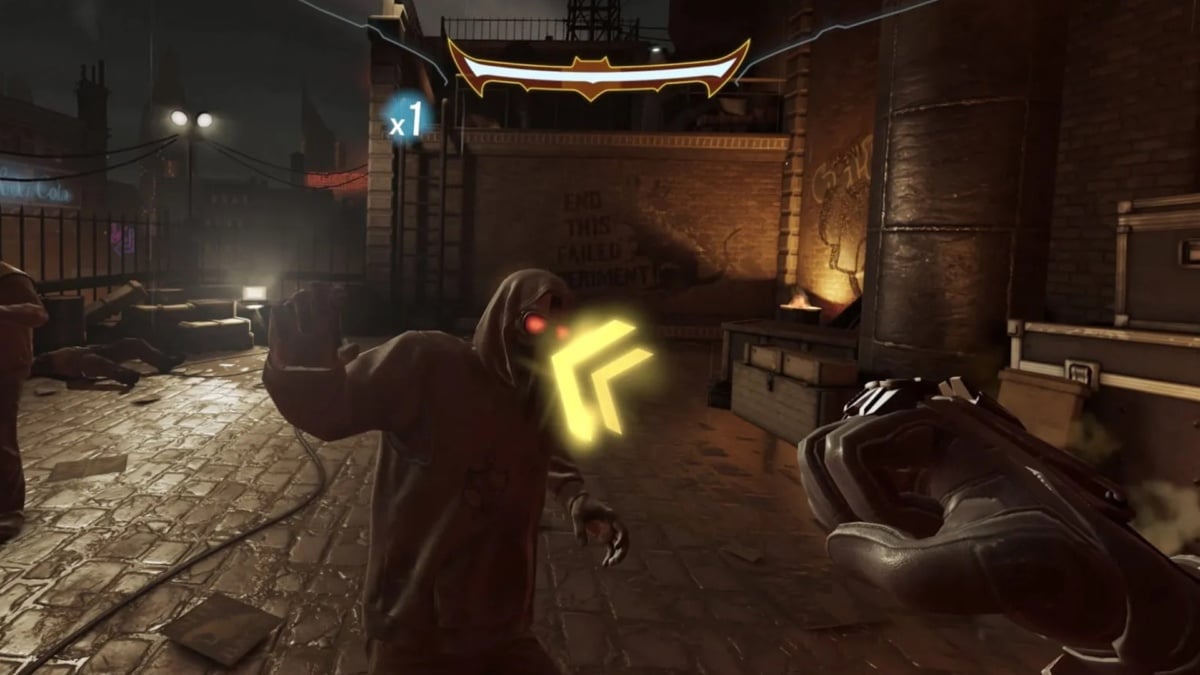
Venture, the unofficial tool for running games from a Meta Quest library on PC VR headsets, has released an update aimed at two problems affecting Batman: Arkham Shadow. Its developer says version 0.1.4.2 fixes missing audio with certain Windows sound settings and a black screen on some Windows Mixed Reality headsets running through SteamVR.
The release also addresses an invisible title screen in Moss and invisible menu options in The Walking Dead: Saints & Sinners - Chapter 2. These are fixes reported by the developer, not a promise that every part of the affected games will work on every PC.
Venture is a free, open-source project for Windows and Linux. It is separate from Meta and lets people run Quest versions of games they already own using a compatible PC VR headset and OpenXR runtime. The update matters most to players trying those specific titles and headset configurations.
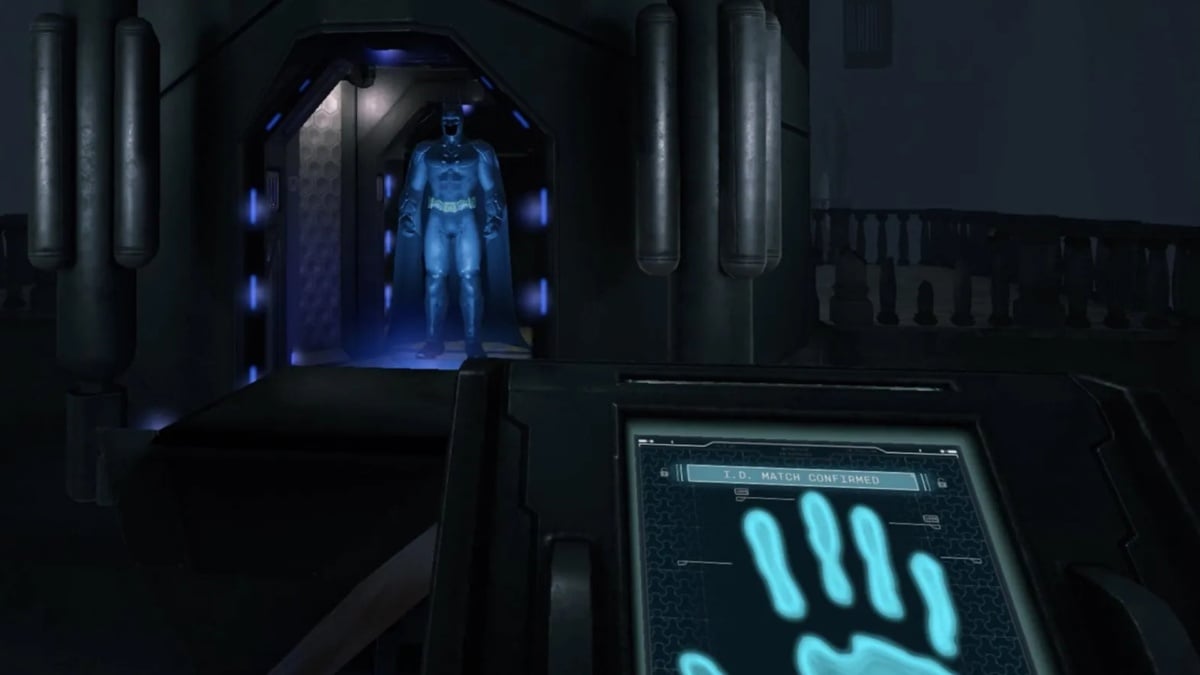
The game was designed for Quest 3 and Quest 3S; Venture is an independent PC project. Image: Camouflaj / Meta / DC
Two Batman problems get targeted fixes
In the 0.1.4.2 release notes, the developer says Batman: Arkham Shadow could lose sound when a Windows output device was configured above 48kHz or used Dolby Atmos. The update also targets a separate case where music played over a black screen on Windows Mixed Reality headsets using SteamVR.
The two symptoms have different conditions, so this is not a blanket fix for every sound or display issue. Batman: Arkham Shadow remains a Quest game; Venture runs that version through its own compatibility software, rather than adding an official native Steam edition.
The same release says it fixes missing menu choices in The Walking Dead: Saints & Sinners - Chapter 2 and an invisible title screen in Moss. Roblox starting with a Java error and certain apps failing APK conversion also appear on the fix list.
Language controls and older games
The preceding 0.1.4.1 release, included in the latest version, adds a game-language setting under Settings > Runtime. The developer says it changes the system language seen by games, which can help with titles such as Asgard's Wrath 2 that do not have their own language selector. Choosing the system-language option follows Windows or Linux instead.
That earlier update also targets a loading problem in Ghost Giant and other 32-bit games on some PCs, a distorted view in The Climb 2, and a startup crash in The 7th Guest VR with recent Nvidia drivers while Steam was running. The developer lists these as fixes for specific failures, not as a complete compatibility certification.
There is still an important limitation in the 0.1.4 known-issues notes: 32-bit games built for OpenXR do not start in Venture because its OpenXR and Vulkan translation is for 64-bit games. The project says older 32-bit games using the Oculus Mobile SDK are not affected by that particular limitation.
What to check before using Venture
Venture's normal library flow asks users to sign in with the Meta account that owns their Quest games. It is not a Meta product, so consider whether you are comfortable granting an independent application access to that account. The project also supports importing games from a headset or local files; users still need their own legitimate copies.
The developer's compatibility checks do not require a full playthrough, and updates to a game, graphics driver or OpenXR runtime can change results. Our earlier Venture coverage explains those limits and the account trade-offs in more detail.

