
Valve turns Steam Link's new sharpening filter off by default in SteamVR 2.17.10

Valve has switched off the Steam Link image sharpening filter it added to SteamVR eight days earlier. SteamVR Hotfix 2.17.10, posted on September 18, sets Contrast Adaptive Sharpening to off by default and restricts it to VR game content.
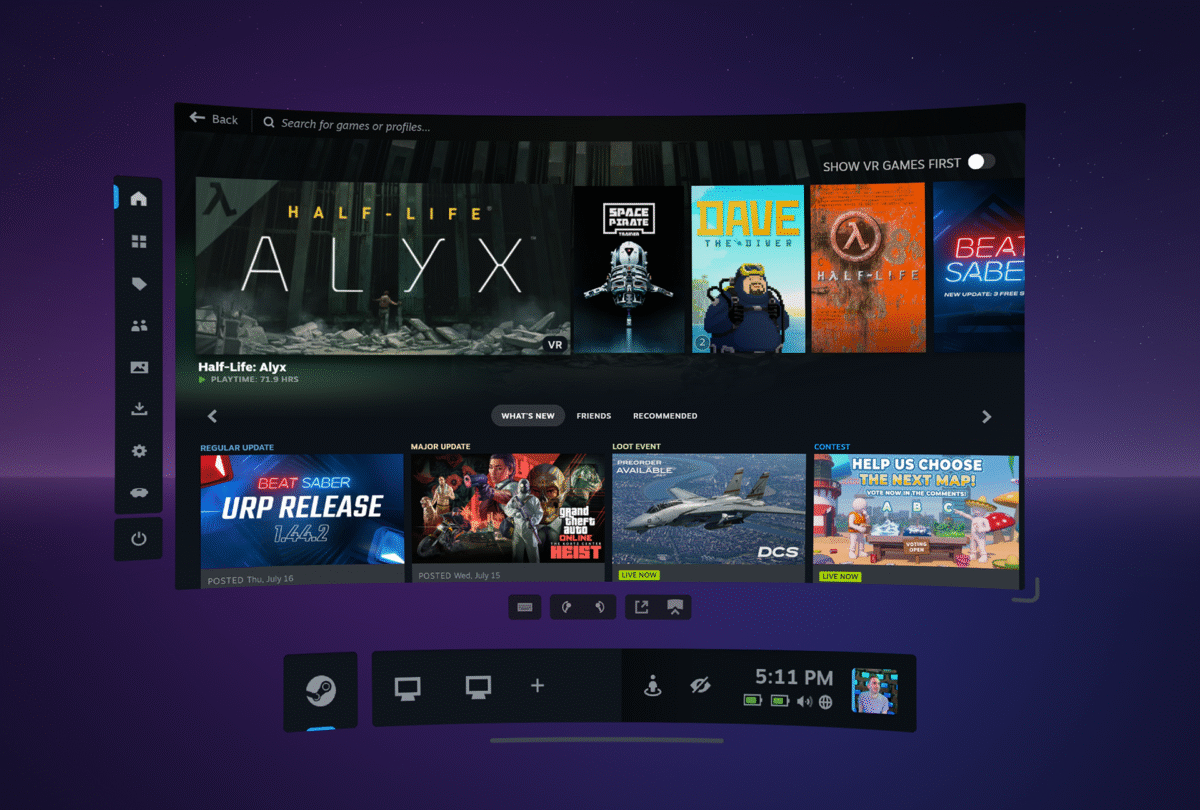
The image Valve published with SteamVR 2.17 on September 10, the release that added the sharpening filter. Image: Valve
The filter arrived with SteamVR 2.17 on September 10, which added sharpening before encoding for Steam Link streams. It is still there for anyone who wants it, under SteamVR Settings, Steam Link, "Sharpen image before encoding".
Valve gives no reason for the change and publishes no image quality figures.
Sharpening now touches the game image only
The second Steam Link line in the notes is the one streamers will notice. Contrast Adaptive Sharpening is "now only applied to VR game content (not dashboard, overlays, desktop view, etc.)", which keeps it away from menus, overlay windows and a mirrored Windows desktop.
Sharpening is a bandwidth trick rather than a resolution boost. Steam Link compresses the PC's frames before sending them to the headset, and a sharpening pass before encoding is meant to claw back some of the detail that compression removes on the game image, where the loss is hardest to miss.
Valve has leaned on Steam Link since the Steam Frame arrived, and the headset streams from a PC over its own 6GHz adapter. The company's own hardware is not all the way there yet, since Steam Machine cannot stream VR games to a Steam Frame at launch.
Two AMD crashes fixed on Linux
The Linux section carries a single line: "Fixed two separate issues affecting AMD gpus on Linux that were causing crashes." Valve does not name the cards, the drivers or the distributions involved.
SteamVR's Linux support has moved quickly this month. The 2.17 release improved wired headset support on Linux, which previously needed third-party add-on layers, and fixed a Steam Link crash caused by games submitting invalid textures.
Steam Frame's bumper becomes a shoulder
The last change is aimed at developers. Valve is renaming a component in the frame_controller_valve OpenXR interaction profile from "bumper" to "shoulder", and says the point is "to be more in line with the OpenXR spec".
Nothing breaks in existing games. Valve says it will "continue to accept suggested bindings for 'bumper' for backwards compatibility purposes", so a title built against the old name keeps working while developers move across.
One fix in the hotfix applies to every headset: the per-app Motion Smoothing "Force Always-On" setting was being ignored, and now is not. The same fix shipped on the headset side in SteamOS 0.3.0, the update that sped up Steam Frame charging and fixed a garbled microphone on September 18.
The same change list shipped first as SteamVR Beta 2.17.10 on September 15, three days before it reached the stable channel. Valve does not say what happens to a machine where the sharpening slider was already switched on, so anyone streaming with it enabled should check the Steam Link page in SteamVR Settings after the update lands.

