“No PC while you play”: Fan-made Unreal VR ports reach Steam Frame
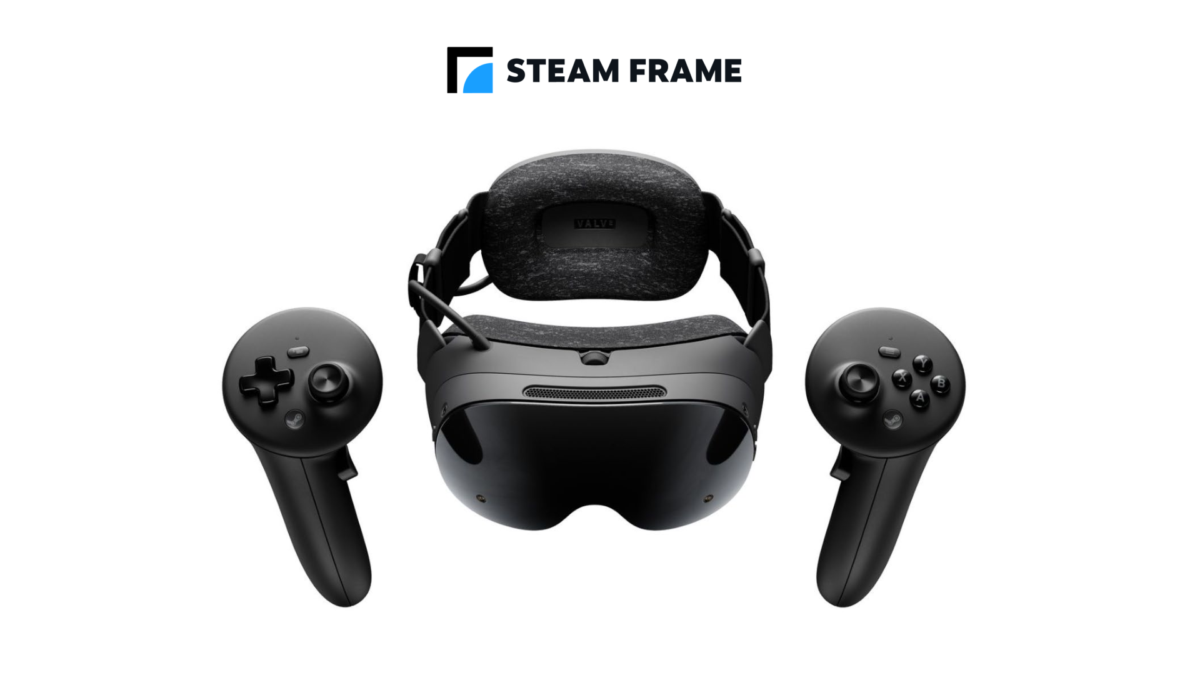
Two classic Unreal games can now be played in VR on Steam Frame and Quest 3 without a gaming PC running the game. Independent developer Game Or Die has released unofficial VR conversions of Unreal Gold and Unreal Tournament (1999), with PC VR versions available too.
Both ports support online play between the PC and headset builds on the developer’s server. The standalone route still needs a computer for the initial setup: “no PC while you play” is the developer’s description of what happens after installation.
The projects are free fan-made conversions rather than official Epic Games VR releases. Their Unreal Gold and Unreal Tournament instructions describe which headset was tested and what players need to install.

The Unreal Tournament VR project is an unofficial conversion, not an Epic Games release. Image: Game Or Die / Epic Games
Two different ways to return to the 1990s
Unreal Gold includes the original Unreal and its Return to Na Pali expansion, while Unreal Tournament offers arena matches with bots or online opponents. The creator says both conversions use head tracking and motion controllers, with the weapon aimed by hand rather than by a conventional mouse.
In Tournament, the developer describes pointing and pulling the trigger to operate menus and a calibration room for adjusting weapon alignment. Room-scale walking and physical crouching are optional. A match can be played against bots, while the developer’s server brings PC VR, Quest 3 and Steam Frame users together.
The developer says both mods were tested on Quest 3 over Virtual Desktop and Steam Frame through SteamVR on PC, as well as on the two headsets in standalone mode. Other supported controllers have not all been tested by the project, so support is not a guarantee that every headset works equally well.
Standalone play has a setup step
The headset builds do not require a computer to run during play, but the published installation instructions use a PC to prepare and transfer the files. On Quest 3, the setup requires developer mode and a USB connection. On Steam Frame, the project calls for developer mode, the Lepton app and a PC on the same network for setup.
The ports do not bundle the original game data. For the standalone Gold version, setup can use a compatible existing copy or fetch a disc image from the Internet Archive. The Tournament headset setup downloads a disc image and an OldUnreal patch. The developer says the Windows installers are not code-signed; check the project’s current instructions and sources before deciding whether to install third-party software.
For PC VR, Unreal Tournament is a 32-bit game; the developer says Meta Quest Link and Air Link should be used through SteamVR because Meta’s own PC runtime lacks a 32-bit OpenXR runtime. That is a different route from playing the headset build standalone.
There are still limitations
The projects retain the original flat menus inside VR rather than rebuilding each menu for motion controls. The creator says physical room movement can lag behind the player’s head position online, and servers with anti-cheat have not been tested.
An Unreal Gold VR 1.0.1 update fixes a crash when saving on Quest 3 and Steam Frame, as well as saves restarting a level instead of loading. The PC version was unchanged in that update. We have not tested the ports ourselves.