
Your Apple Watch can unlock iPhone Duo without touching the fingerprint sensor
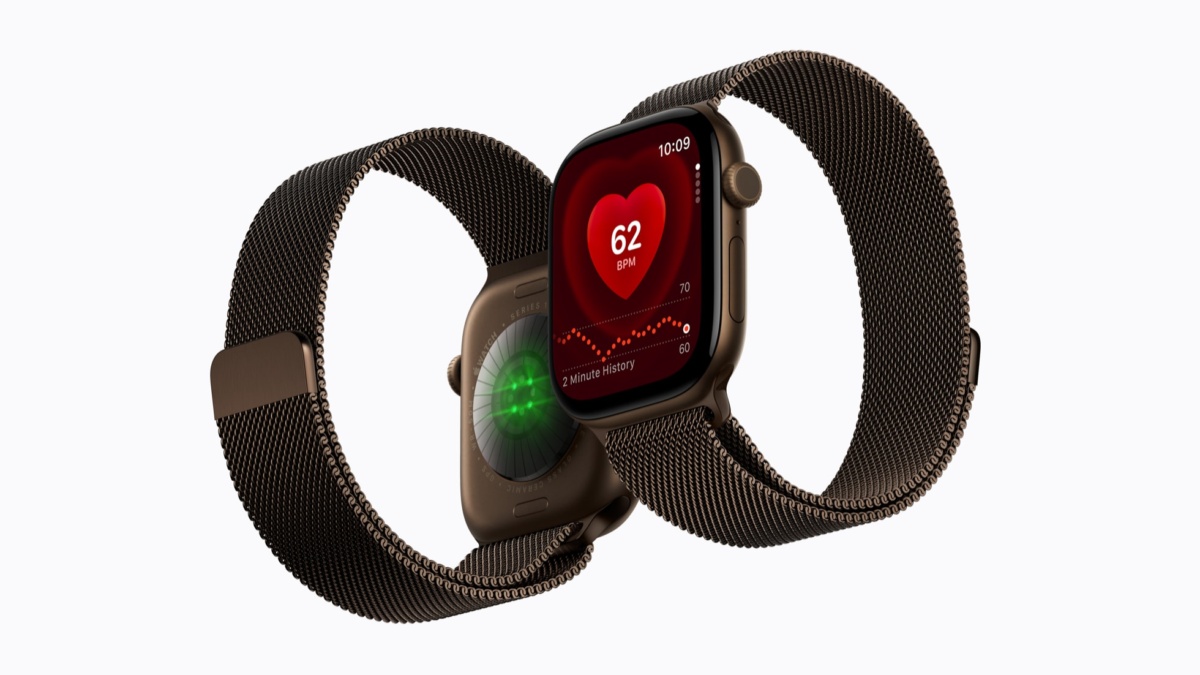
iPhone Duo owners can unlock their phone with a nearby Apple Watch instead of reaching for the Touch ID sensor. Apple documents the option in its iOS 27 user guide, including the supported watches and the setting needed to enable it.

iPhone Duo uses Touch ID; Apple Watch offers another way to unlock the phone. Image: Apple
The compatibility list names Apple Watch Series 9 or later, Ultra 2 or later, and SE 3. The watch must be paired with the iPhone, have a passcode, be unlocked and worn on your wrist, and stay close to the phone.
The switch is under Touch ID settings on iPhone Duo.
Open Settings on the Duo and select Touch ID & Passcode. Under Unlock with Nearby Devices, turn on the Apple Watch option. If you use more than one watch, Apple says to enable the setting for each one.
To unlock the phone afterward, raise it, tap its display or open it to wake the screen, then swipe upward from the bottom edge. Those steps come from Apple’s instructions for using a watch with iPhone.
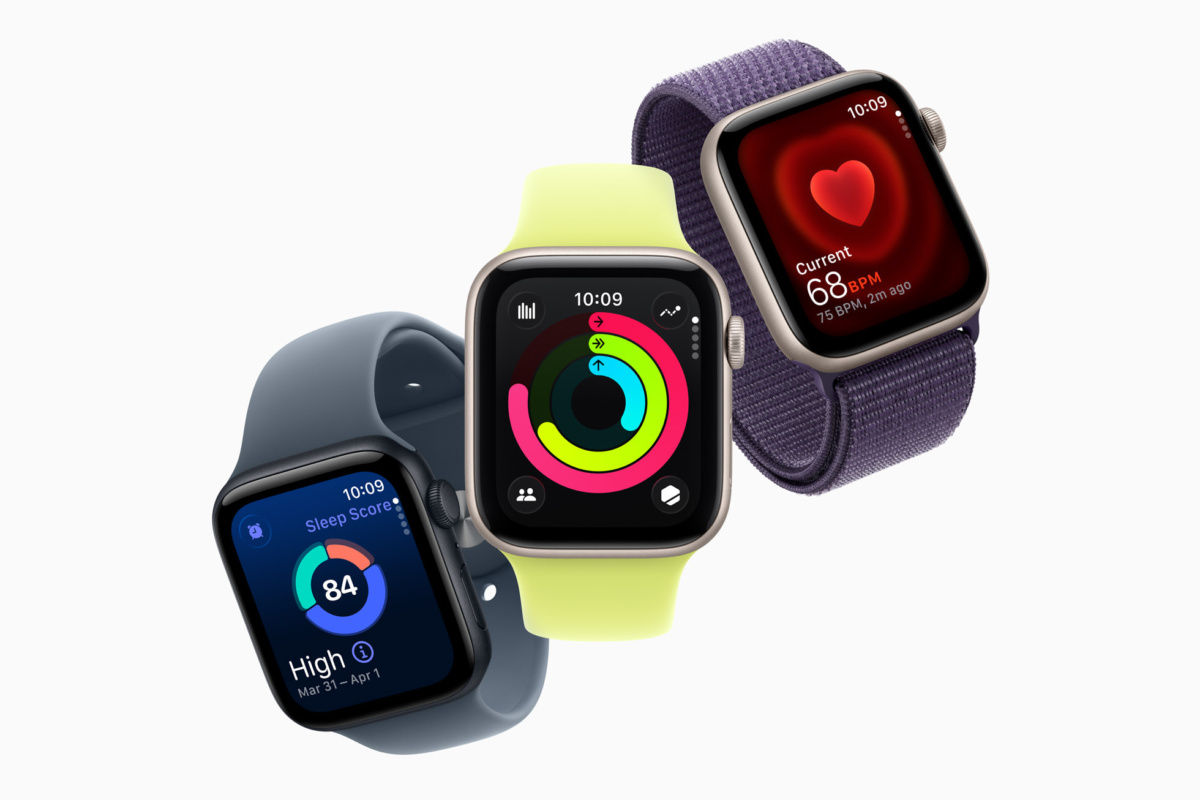
Apple Watch SE 3 is included in Apple’s compatibility list. Image: Apple
The watch needs to remain unlocked and on your wrist.
If the feature does not work, start with Apple’s listed conditions: a compatible model, pairing, a watch passcode, an unlocked watch and nearby placement. A watch lying beside the phone does not meet the on-wrist requirement.
Apple’s Duo announcement describes Touch ID in the side button as the phone’s fingerprint authentication method. Watch-assisted unlocking gives owners of compatible watches another option for getting past the Lock Screen.
The Duo is also getting USB-C Apple Pencil support through an iOS beta. Unlike that beta addition, these watch-unlock instructions appear in Apple’s current iOS 27 user guide.

