
SteamOS preview adds Nvidia and HDMI upgrades, then fixes two problems in the first build
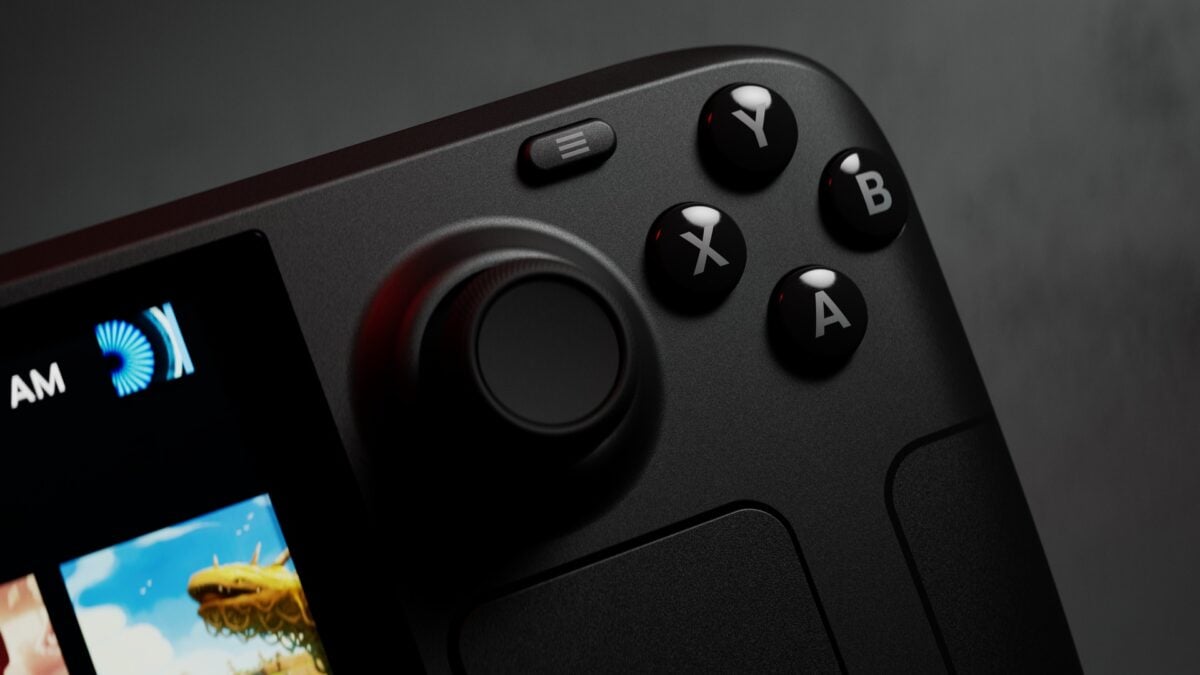
Valve's latest SteamOS preview gives PC players several reasons to pay attention: Nvidia graphics cards based on Turing and newer architectures gain mesh shader support, while AMD hardware gets HDMI 2.1 variable refresh rate support. The update also addresses display problems on the Steam Deck and adds HDR and brightness controls for the ROG Xbox Ally X20.
There is a catch before you reach for the update button. SteamOS 3.10.1 is an early Preview release, so the changes are still being tested and may come with bugs or stability issues. It has not been presented as the stable update for every SteamOS user.
If you mainly use your handheld for games that are already working well, I would wait for a stable release. Players comfortable testing new software can choose the Preview channel, but should keep Valve's warning in mind.
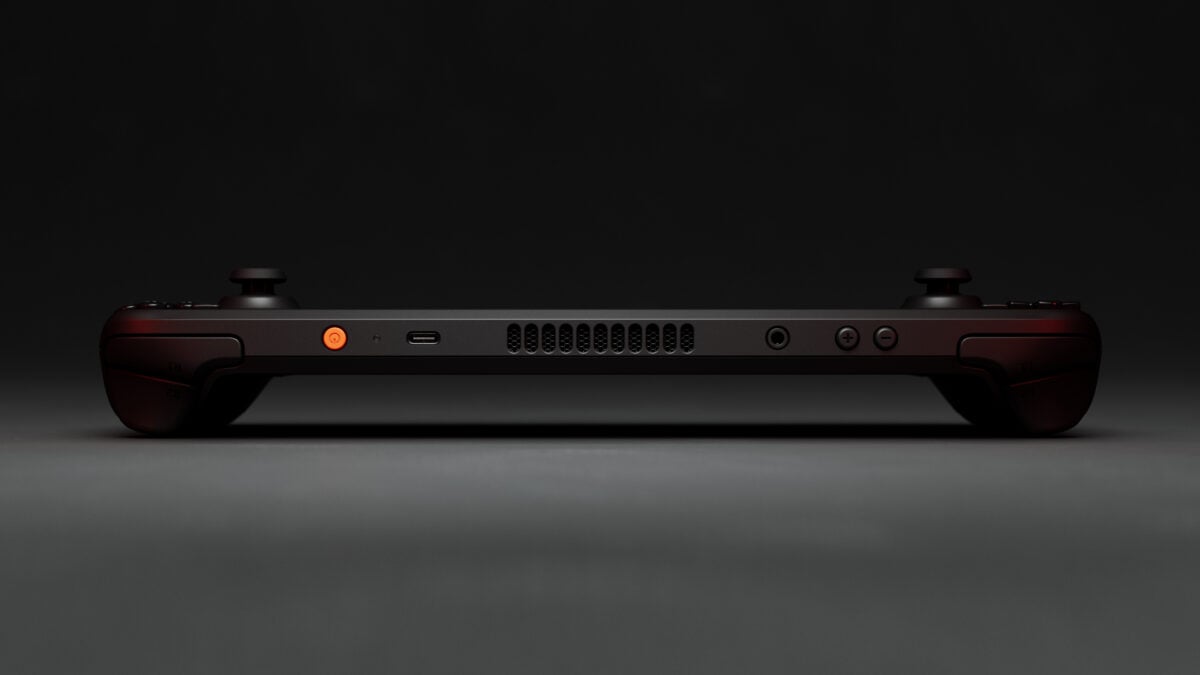
The SteamOS update is available through the Steam Deck Preview channel. Image: Valve
The preview adds features for Nvidia and AMD graphics
Valve's release notes say mesh shaders are now supported on Nvidia's Turing generation and newer GPUs. The company also lists general stability and performance improvements for Nvidia hardware, plus fixes for rendering corruption in Shadow of the Tomb Raider and The Surge 2.
That is useful progress for people experimenting with SteamOS on suitable Nvidia systems. It is not a promise that every graphics card or game is now officially supported, or that each game will run faster.
On AMD graphics, the update adds HDMI 2.1 variable refresh rate, fixed-rate link and auto low-latency mode support. Variable refresh can help a compatible display follow changes in a game's frame rate, but the display and connection need to support it too.
Valve followed the first 3.10 Preview with version 3.10.1. According to its release notes, the follow-up fixes launch failures affecting games such as the Forza Horizon series and an invalid-signal error on some displays, both introduced in 3.10.
For more on the original preview’s Bluetooth and VRR changes, see our earlier report.
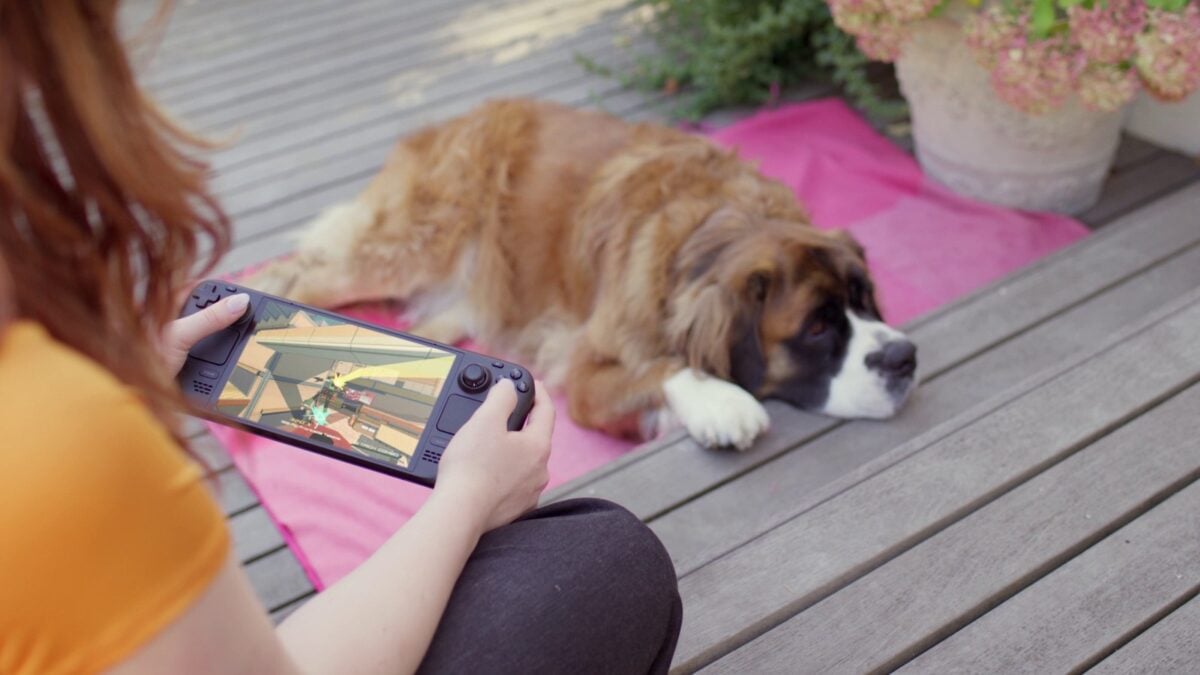
Valve's promotional image shows a game running on Steam Deck OLED. Image: Valve
Steam Deck and ROG Ally X20 owners get display fixes too
The update improves frame timing when the frame limiter is used with variable refresh rate, and addresses flicker with VRR enabled while navigating or leaving the Steam interface idle. It also fixes overexposure caused by scaling in some HDR games, including Control.
For the ROG Xbox Ally X20, Valve lists HDR and brightness adjustment support in Game Mode. Other changes include a fix for Bluetooth audio disconnecting when switching between desktop and game modes, plus an update to the desktop's Plasma interface.
Steam Deck owners can find the channel selector under Settings > System > System Update Channel. Valve warns that early Preview builds may be unstable, so check that setting before installing rather than assuming this is a routine stable update.
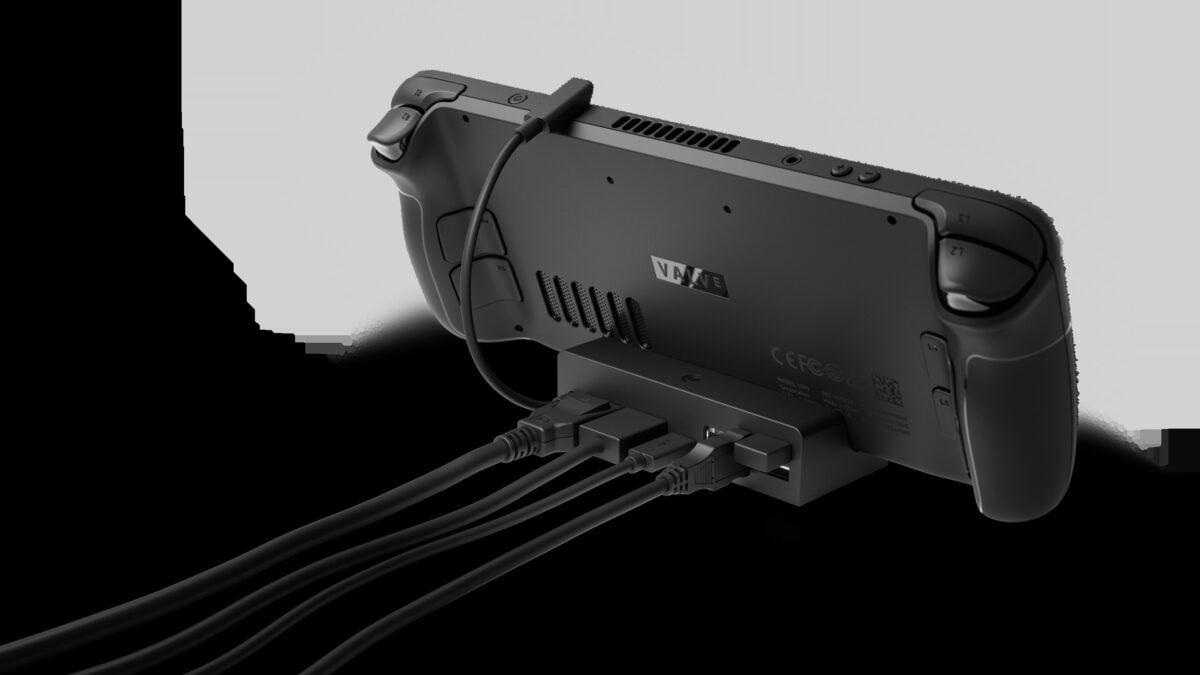
External-display features depend on the graphics hardware and display connection. Image: Valve
Steam Deck is listed on Steam and by third-party sellers
Valve lists the Steam Deck directly through Steam where available; availability varies by region. Amazon also lists a 512GB Steam Deck OLED from a third-party seller. I recommend comparing the seller, price and delivery against Valve's store before ordering. Existing owners do not need new hardware to try the preview.
Image credit: Valve.
Note: Links to online stores in articles can be so-called affiliate links. If you buy through this link, MIXED receives a commission from the provider. For you the price does not change.
As an Amazon Associate we earn from qualifying purchases.

