
SteamOS 0.4.1 improves Steam Frame proximity detection and fixes the streaming keyboard

Valve has changed the model the Steam Frame uses to decide whether the headset is on a face, and fixed the virtual keyboard that would not appear while streaming. Both land in SteamOS 0.4.1, published on September 26 for the Frame's beta channel, alongside a Dominant Eye setting and a fix for a dashboard that recentred itself "unnecessarily for some users".
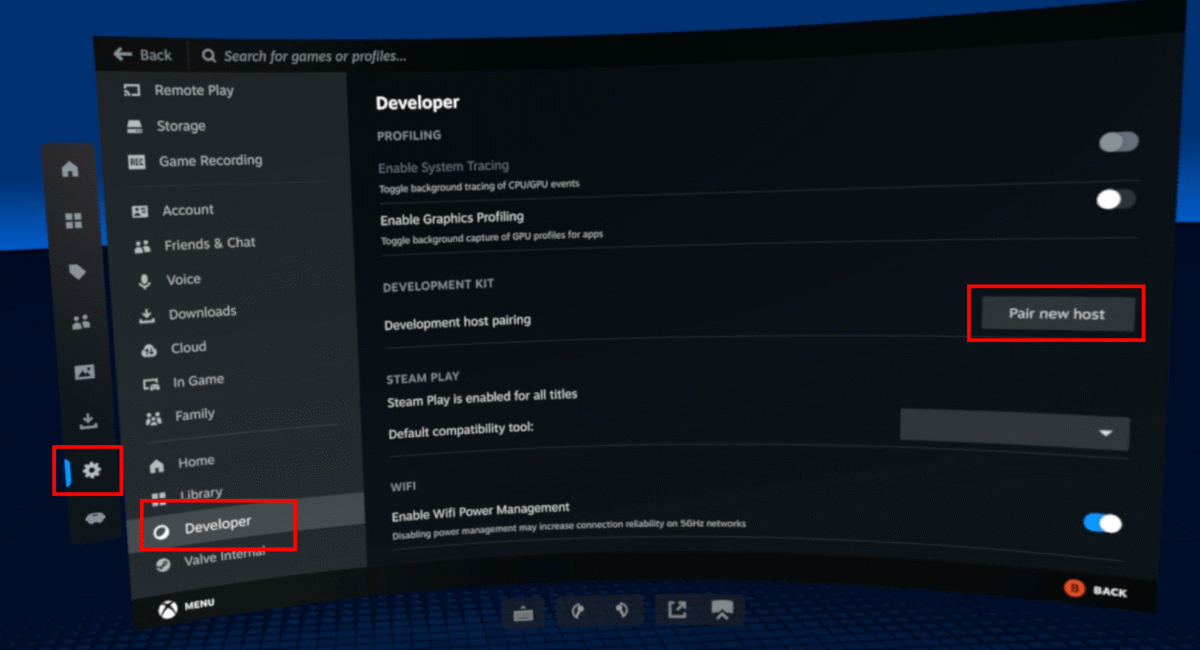
The Frame's VR Settings are where 0.4.1 adds the Dominant Eye option. Image: Valve
Valve says only that it has improved the proximity sensor detection model, without saying what changed inside it or which case it was aimed at. The build is beta-channel only, so it is not on every headset.
An owner says the Frame stops noticing glasses
On Valve's own Steam Frame discussion board, an owner wrote on September 25 that the Frame "does not recognize I am wearing it when I'm wearing glasses", and described setting a five-minute display timeout and then pressing a button on the headset to wake it again. Another owner in the same thread reported no trouble at all, with wide frames in a rounded rectangular shape.
Valve has not tied its sensor change to glasses, and has not said the glasses case is solved. Two owners disagreeing in one thread is no measure of how often it happens either.
The other route around a pair of glasses is not open yet: Steam Frame prescription inserts start at $59, and Zenni's cannot be ordered so far.
The dashboard stops drifting while you type
An owner described the dashboard shifting position while docked apps such as a browser were open, with the virtual keyboard moving along with it because, they wrote on September 23, the keyboard cannot be undocked. Valve's fix covers the unnecessary recentring, and the release adds better focus handling and gamepad navigation in the dashboard plus a fix for flickering dashboard panels.
The keyboard fix Valve describes is specific to streaming, where the keyboard failed to come up at all.
Dominant Eye picks the eye everyone else sees
0.4.1 lets owners set a Dominant Eye in VR Settings, which decides which eye feeds spectator view and screenshots. Spectator view is smoothed by default from this build, and the smoothing can be switched off under VR Settings, Developer, inside the headset.
That spectator feed is reachable from a PC through Steam's Remote Play settings, or from any device that runs Steam Link. Valve also lists matched volume across formats for downmix and binaural rendering, crash and Linux H.264 detection fixes in the embedded browser, a repaired "Return to Gaming mode" for headsets that start straight into Desktop mode, and a fix for rare cases of other network interfaces disturbing the wireless dongle connection.
The release ships SteamVR 2.18.1 inside the headset OS. It is opt-in through Settings, System, System Update Channel, and Valve gives no date for 0.4.1 reaching the stable channel; the Frame's previous OS release, 0.3.0, arrived on September 17 with faster charging and a microphone fix.

