
Samsung’s 32-inch 180Hz Odyssey G5 is $120 below list at Amazon
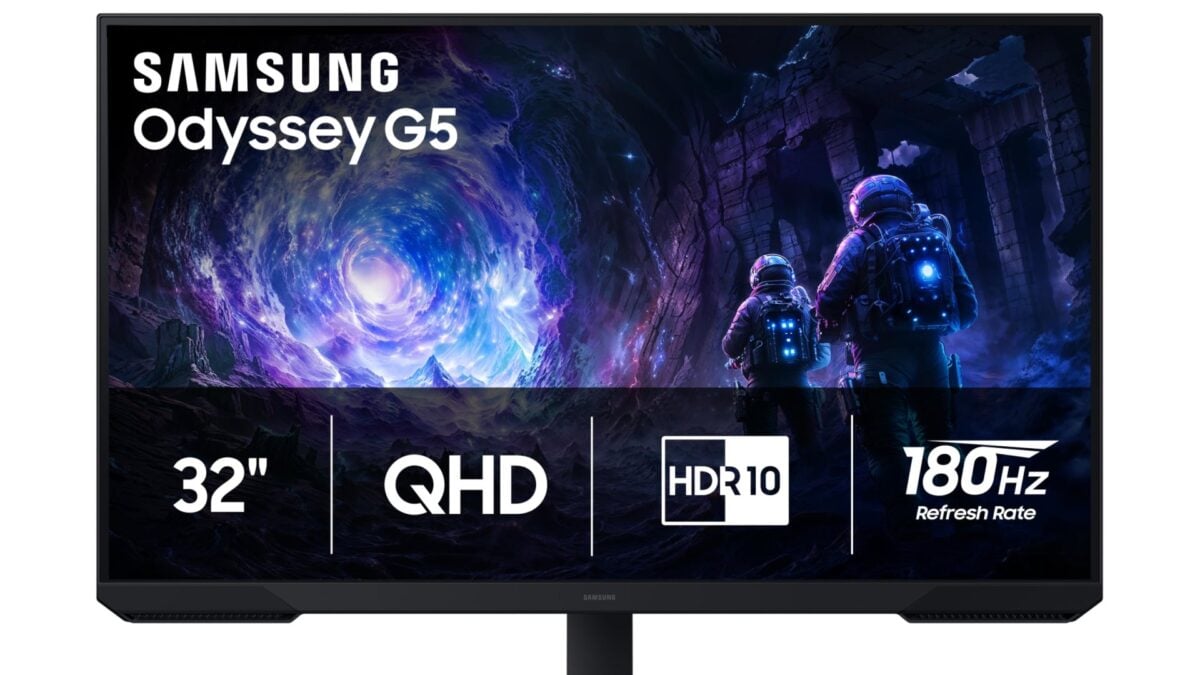
A big 1440p gaming monitor does not have to cost a fortune. Amazon has Samsung’s 32-inch Odyssey G5 G51F for $179.99, which is $120 below the retailer’s displayed $299.99 list price. It combines a flat QHD screen with a refresh rate of up to 180Hz.
The offer is for model LS32FG510ENXZA. When I checked, the monitor was new, in stock, and sold and shipped by Amazon. The displayed price did not need a coupon or Prime membership, although delivery dates can vary by address.
I would consider this size if you want more physical screen space for games and everyday work. There is a trade-off, though: 1440p spreads the same number of pixels over a larger area than it does on a 27-inch monitor, so small text will not look quite as dense.
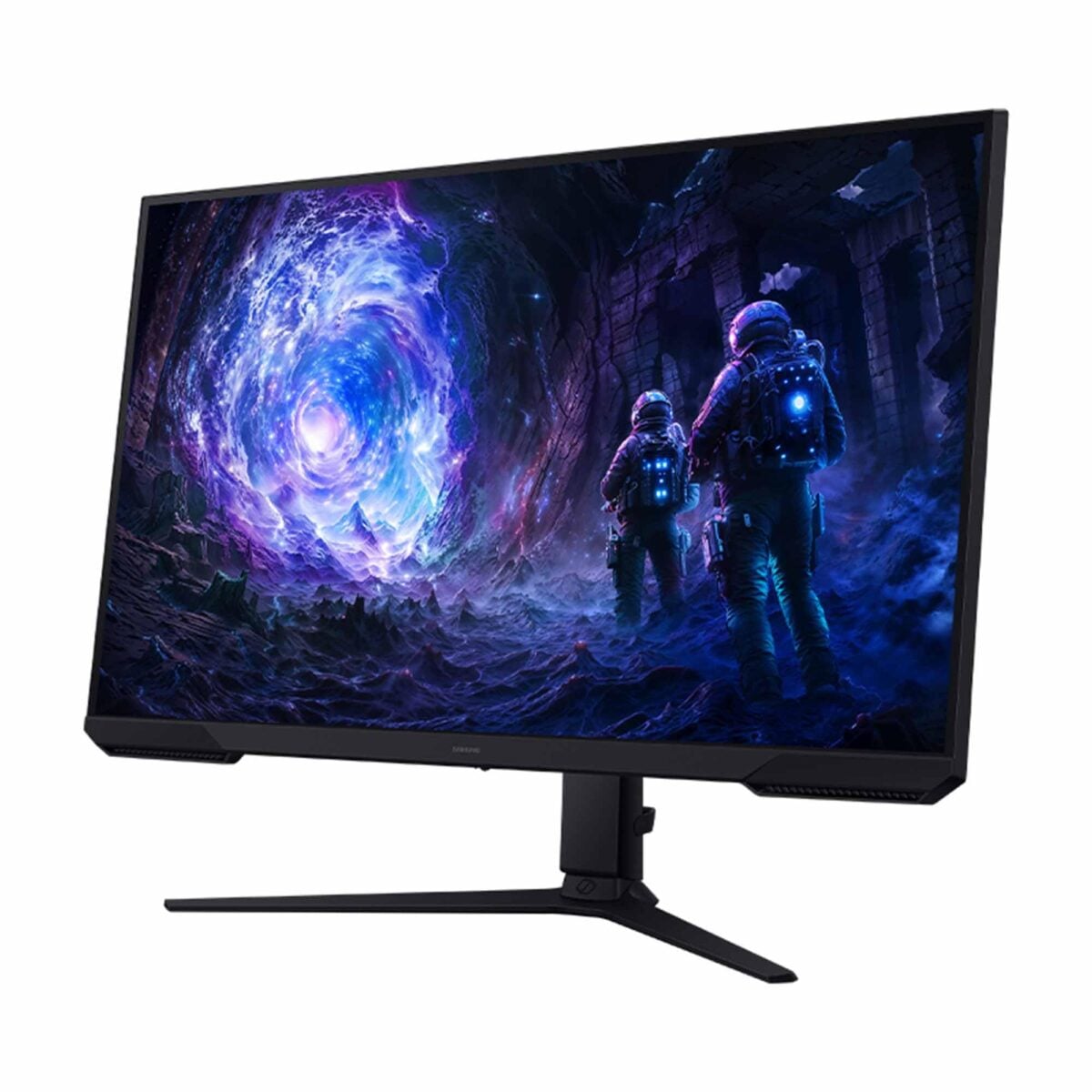
The G51F has a flat 32-inch class display. Image: Samsung / Amazon
- 32-inch flat QHD screen; up to 180Hz; AMD FreeSync
- Amazon comparison price (list price)
- $299.99
- New; sold and shipped by Amazon when checked
The G51F pairs a large QHD screen with 180Hz refresh
The display’s 2560 × 1440 resolution gives you more pixels than a 1080p monitor without asking as much of a graphics card as native 4K. That can be a useful middle ground if you are choosing a screen for a mid-range gaming PC.
At its maximum 180Hz refresh rate, the screen can update more often than a typical 60Hz display. Your PC still needs to output the right resolution and refresh rate over a compatible connection, and games need to run at a high enough frame rate for you to benefit.
Samsung also lists AMD FreeSync, which can synchronise the display’s refresh rate with a compatible graphics source to help reduce tearing. Support and the useful refresh range depend on the device and settings you use, so it is worth checking those before buying.
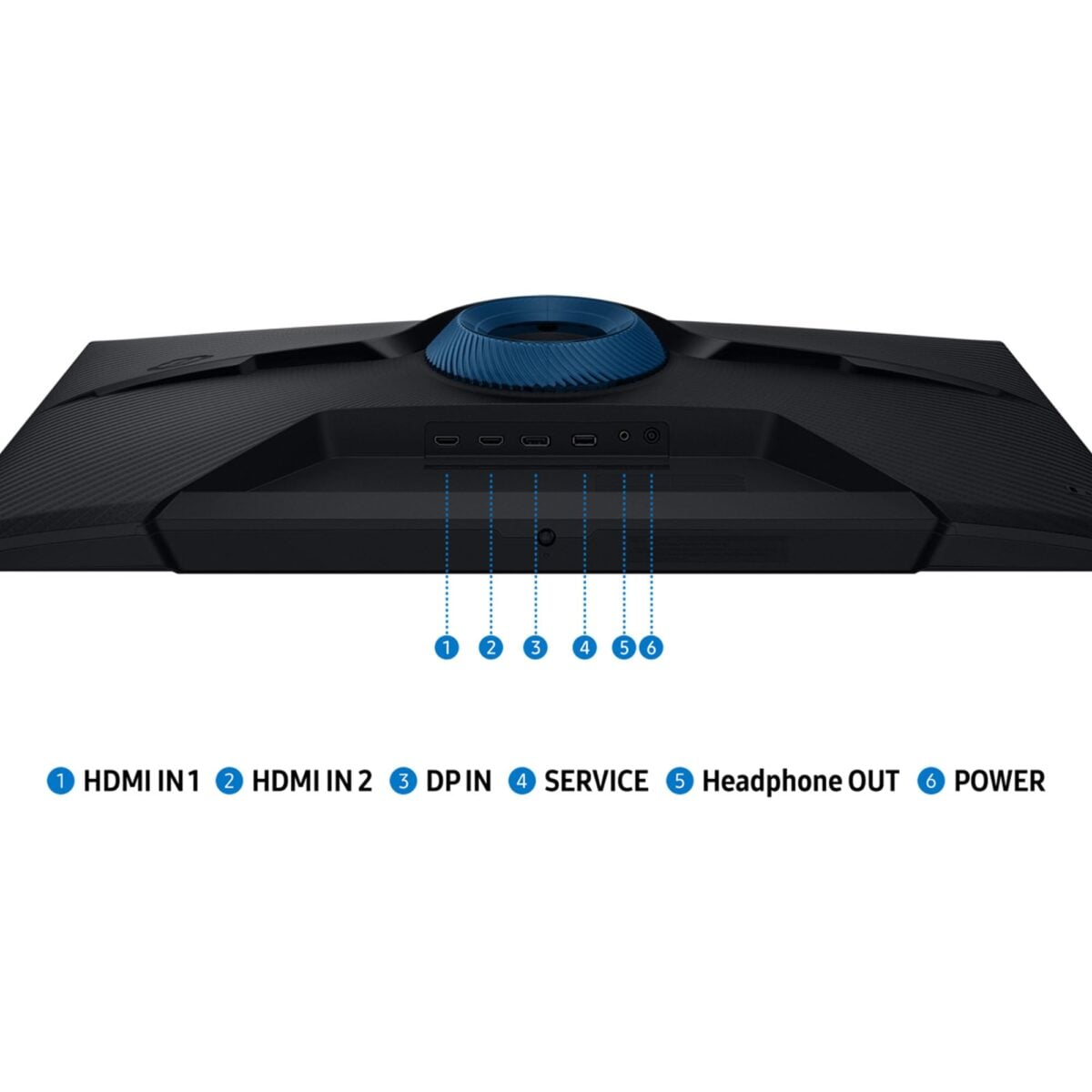
Samsung’s diagram shows the monitor’s rear connections. Image: Samsung / Amazon
Check the connections and stand before setting it up
The product images show two HDMI inputs and a DisplayPort connection, giving you options if you use more than one device. I would check your graphics card, cable and monitor settings for the refresh rate you want rather than assuming every combination will behave identically.
The US listing says the stand supports height adjustment and tilt. Samsung also describes an adjustable stand in its regional G51F specifications. That is handy if the monitor has to fit beneath a shelf or you switch between gaming and desk work. The screen is large enough that you should measure the space and viewing distance first.
The listing advertises a 1ms response time using the MPRT measurement. That figure describes motion-picture response time under particular conditions; it is not the same as a guaranteed 1ms input delay or a complete picture of how every game will look.
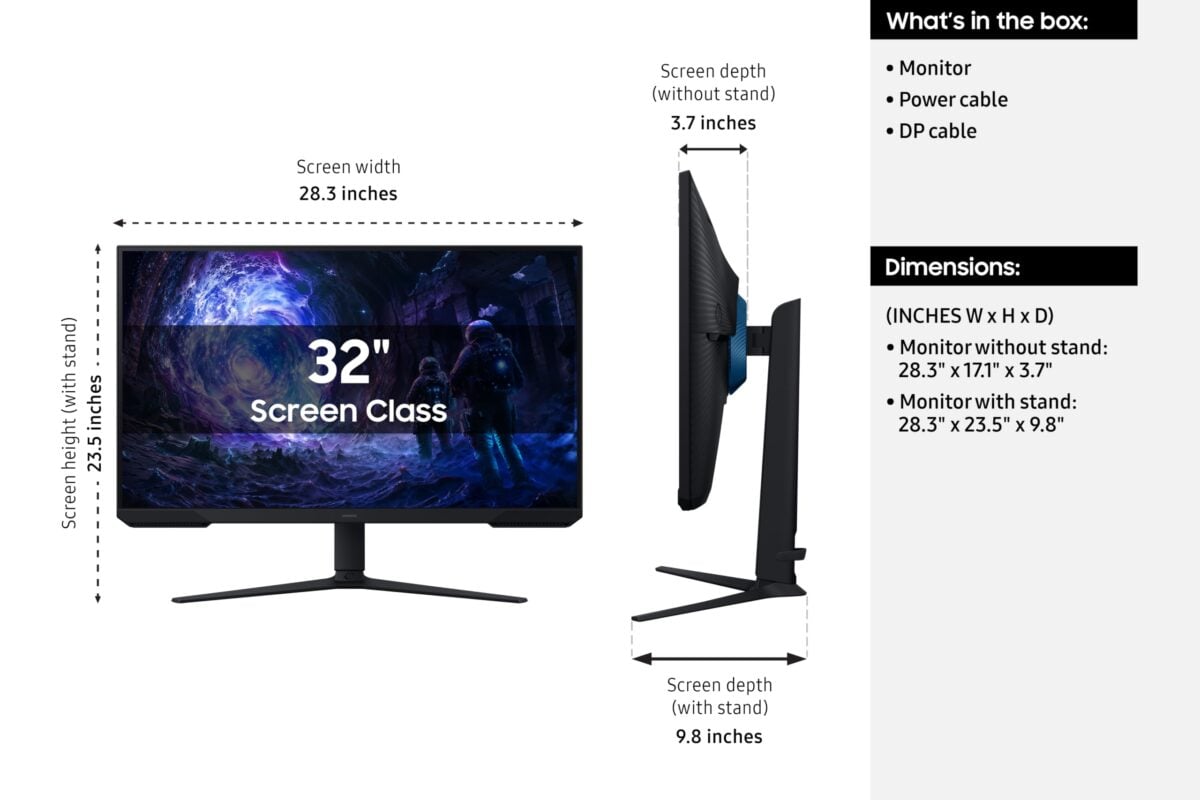
Check the measurements before making room for the 32-inch screen. Image: Samsung / Amazon
HDR10 support and a similar G5 model deserve a closer look
The G51F supports HDR10, but compatibility alone does not tell you how bright or impactful HDR will look. If that is your main reason for upgrading, I would compare independent display tests and specifications before deciding.
We have also covered the 32-inch Odyssey G5 G50F, a different model with an IPS panel. Its price and availability are separate, so check the exact model number and current offer when comparing the two.
Amazon’s $120 saving is against its displayed list price. Confirm that the 32-inch G51F and the current delivery terms are selected before ordering.
Image credit: Samsung / Amazon.
Note: Links to online stores in articles can be so-called affiliate links. If you buy through this link, MIXED receives a commission from the provider. For you the price does not change.
As an Amazon Associate we earn from qualifying purchases.

