Rokid Glasses get YouTube through an unofficial patcher that takes about seven minutes
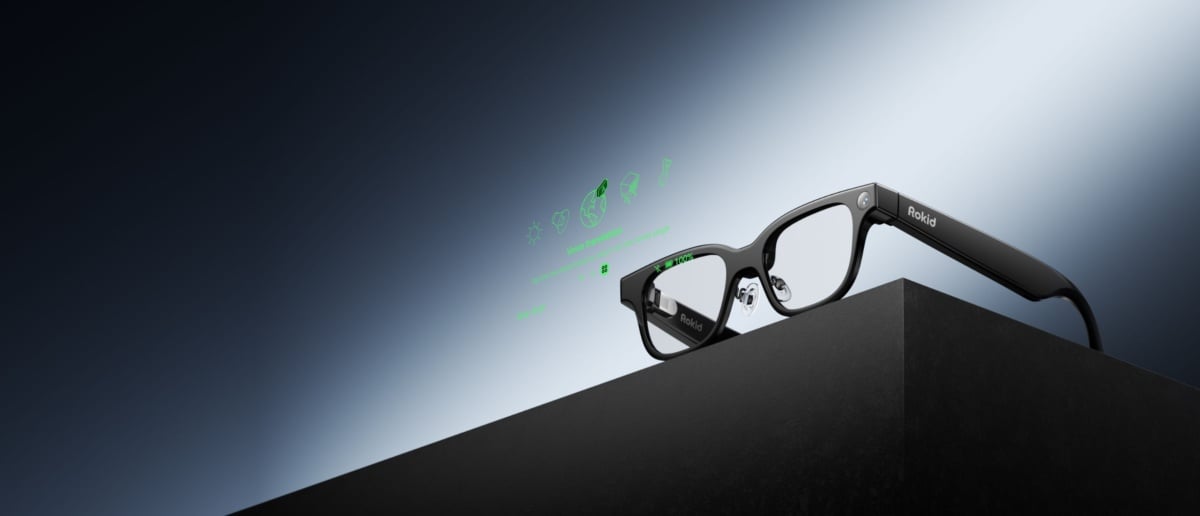
Rokid Glasses have an unofficial app platform, and as of October 7 it will walk an owner through getting YouTube onto them, a job the project says takes about six to seven minutes of patching. Rokid Nexus 1.6.0 and a companion plugin called Patcher 1.0.0 were published two minutes apart, at 15:49 and 15:51 UTC, on the project's releases page, read at 22:06 UTC the same day.
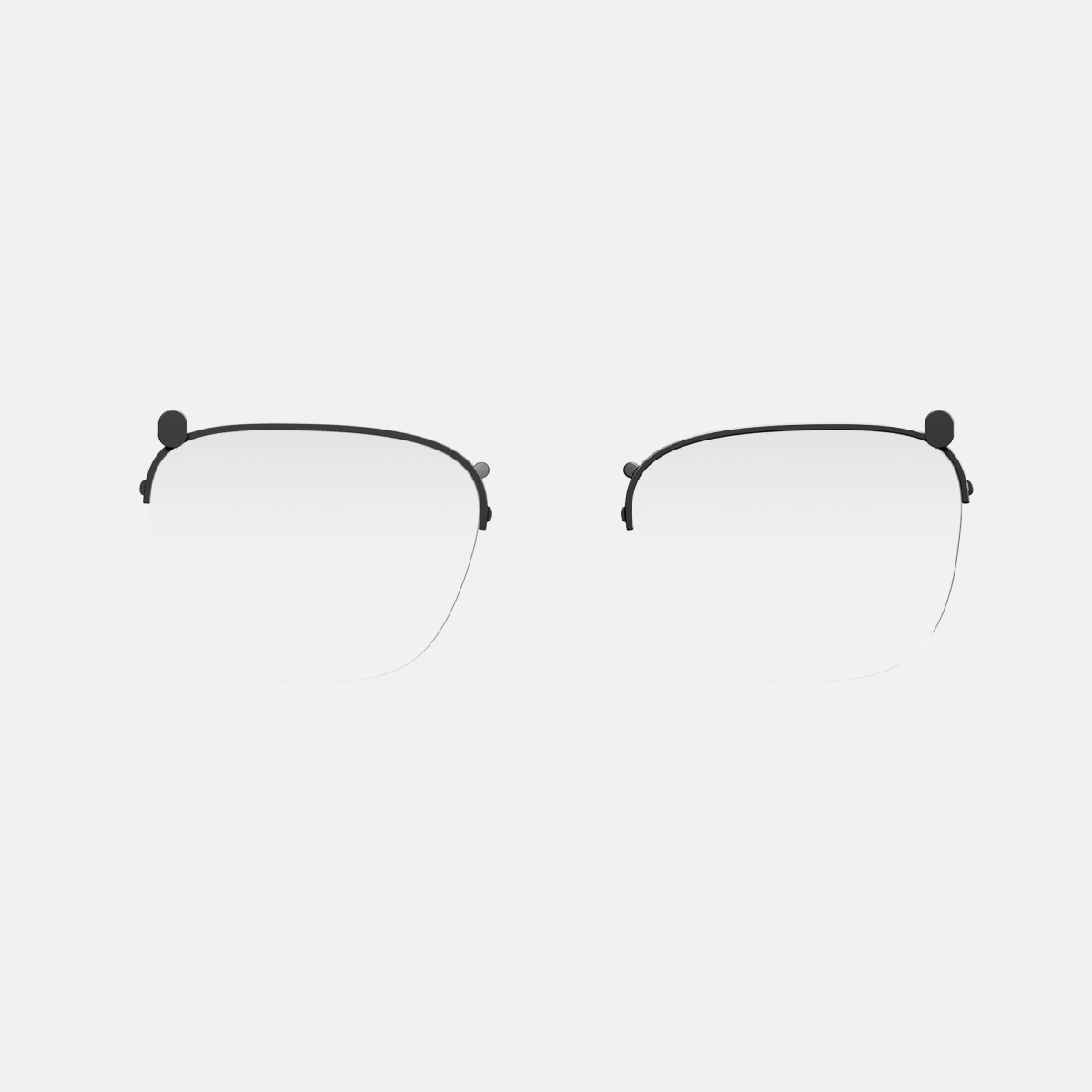
Snap-on prescription lenses for Rokid Glasses. The Nexus platform targets the RV101 model. Image: Mixed News media library
Nexus is not a Rokid product and has no Rokid involvement. It is an Apache-2.0 project started on July 6, carrying 19 stars at the time of that read, and it describes itself as "a plugin platform for Rokid Glasses RV101". The design is unusual: "one permanent hub lives on the glasses and renders everything; all features ship as ordinary Android APKs on the phone", so a plugin needs no separate install on the glasses at all. The tagline is "Install a phone app, get a glasses app".
The store carries 13 plugins, with 10 more from outside
The repository ships 13 plugins of its own, covering an assistant, phone messages, turn-by-turn navigation pulled from Google Maps or Citymapper, camera translation, Bluesky and X timelines, transit departures, synced lyrics, media controls, photo sync and wireless debugging. Listed beside them are 10 more written by four other authors against the same SDK, including a speed reader, a calendar, an RSS reader, Home Assistant and Tuya controls, one-time passcodes lifted from notifications and a taxi-ride tracker. The project's line on that is flat: "Nothing in the platform is reserved for first-party code."
Everything installs through an in-app Nexus Store backed by a public registry, with "SHA-256 and signer pinning enforced before every install". Plugins "stay isolated in their own processes, appear only after explicit user approval", and the camera, speech and listening capabilities are granted "one at a time" and can be taken back.
Getting YouTube on means MicroG and a patched build
Rokid Glasses run Android without Google's services, so a mainstream Google app is not a download away. Nexus 1.6.0 adds a guided route: it downloads MicroG, fetches a stock YouTube build, patches it on the phone, and handles the Google sign-in through the hub's keyboard bridge, with the release note stating "Nexus never reads Google accounts or tokens". Patcher does the patching in a foreground service with a wake lock, so the work survives the user switching apps.
The most striking part of the release is the project correcting its own copy. Patcher 1.0.0's notes record a decision to "drop the 'a few minutes' and 'turn the display off' claims everywhere" and to say honestly that a patch takes about six to seven minutes with the window visible and "much longer hidden or locked". Nexus 1.6.0 then repeats the new figure to the user during setup. Software projects do not usually publish a changelog entry whose content is that the previous changelog oversold them.
Patcher also renames an unpublished predecessor, and the rename has a cost the notes spell out: the new package "generates a new private signing key", so anyone with output from the old one has to import a backup or reinstall YouTube by hand. "Nexus still refuses signer changes and never uninstalls for you", the notes add, which is the signer pinning doing exactly what it is meant to do, inconveniently.
None of this is supported by Rokid or by Google, and the patching is something the project tells its own users to do. What it documents is the price of an Android device without Google's services on it. The same hardware is attracting other unofficial work: a separate project drives Rokid glasses with Meta's Neural Band over a reverse-engineered Bluetooth protocol, and its author writes four of the 10 outside plugins in the Nexus store.