Valve fixes Far Cry 5 HDR on Steam Deck OLED in a major Proton update
Valve has released Proton 11.0-3, fixing an HDR problem in Far Cry 5 on the Steam Deck OLED and addressing controller problems in several other Windows games. The stable compatibility update also lists 15 titles as newly playable through Proton.
Proton is the software Steam uses to help many Windows games run on Linux, including Valve’s handheld. This update concerns the compatibility layer itself, so it is separate from a SteamOS system update or a patch issued by an individual game developer.
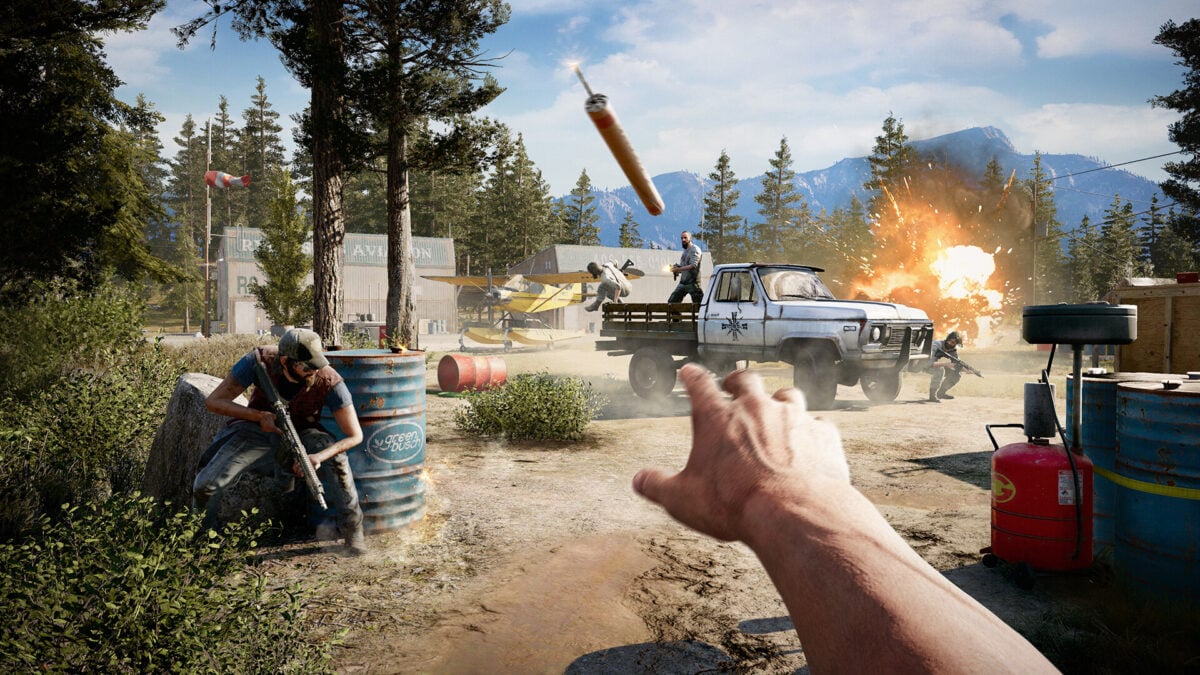
Valve’s release notes describe the Far Cry 5 HDR fix specifically for the OLED handheld. They do not say that every graphics issue affecting the game has been resolved, and a Proton fix is not the same thing as a new Steam Deck Verified rating.

Valve lists a Far Cry 5 HDR fix specifically for the Steam Deck OLED. Image: Ubisoft / Steam
Controllers get fixes in Dragon Age and other games
One particularly useful change is for Dragon Age: Inquisition, where Valve says it fixed controllers not working. Avatar: Frontiers of Pandora and Star Wars Outlaws also receive fixes for not detecting game controllers.
Elsewhere, Valve lists improved controller support for Far Cry New Dawn, The Binding of Isaac: Rebirth and Split/Second when Steam Input is enabled. A separate fix addresses a controller hotplugging regression in Chrono Trigger.
If you use an external controller, 8BitDo lists its Ultimate 2 Wireless as compatible with SteamOS 3.7.13 or later. It is an optional accessory, not something needed to install the update, and Valve does not identify it as the subject of these particular fixes.
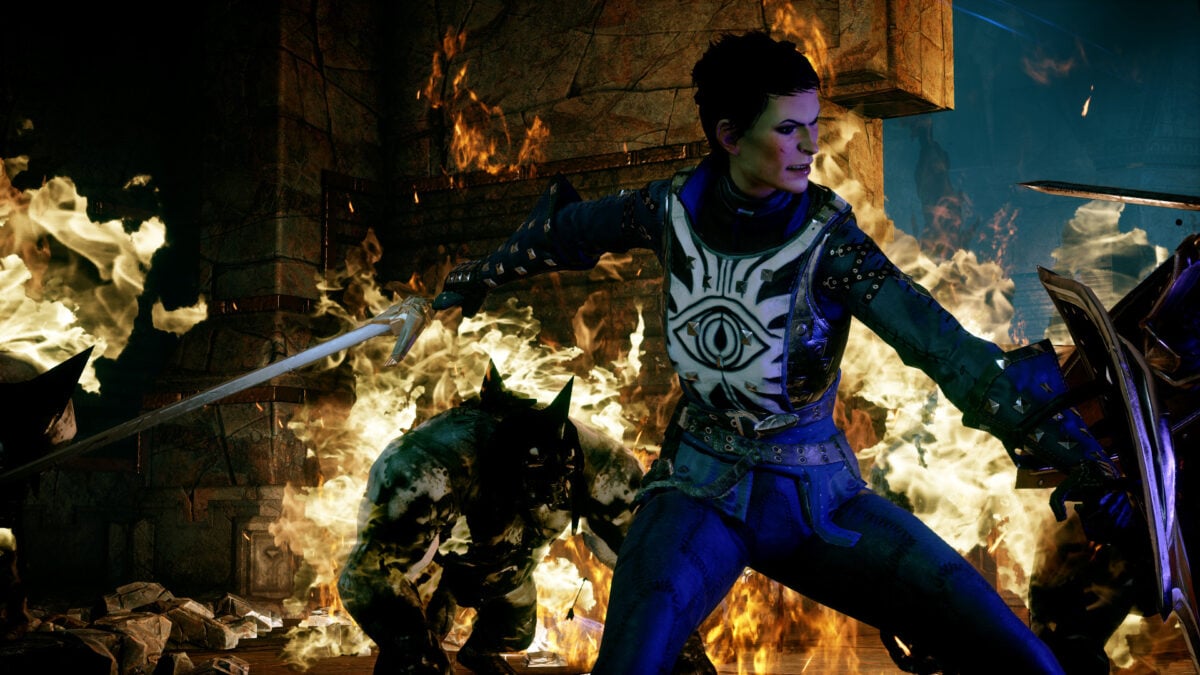
Valve also lists a controller fix for Dragon Age: Inquisition. Image: Electronic Arts / BioWare / Steam
More games are listed as playable in Proton
The 15 titles on Valve’s newly playable list include Blair Witch VR, City Car Driving, Cool People Club and The Eden of Grisaia. That means the compatibility layer has received changes for those titles; it does not guarantee a particular frame rate or an official Verified badge on every handheld.
There are also fixes for older favourites. Valve says the update addresses a launcher highlighting problem in Fallout: New Vegas, and a Proton 11 regression that prevented Grand Theft Auto III intro videos from playing. It also restores playability for Deus Ex: Mankind Divided with AMD GPUs after a regression.
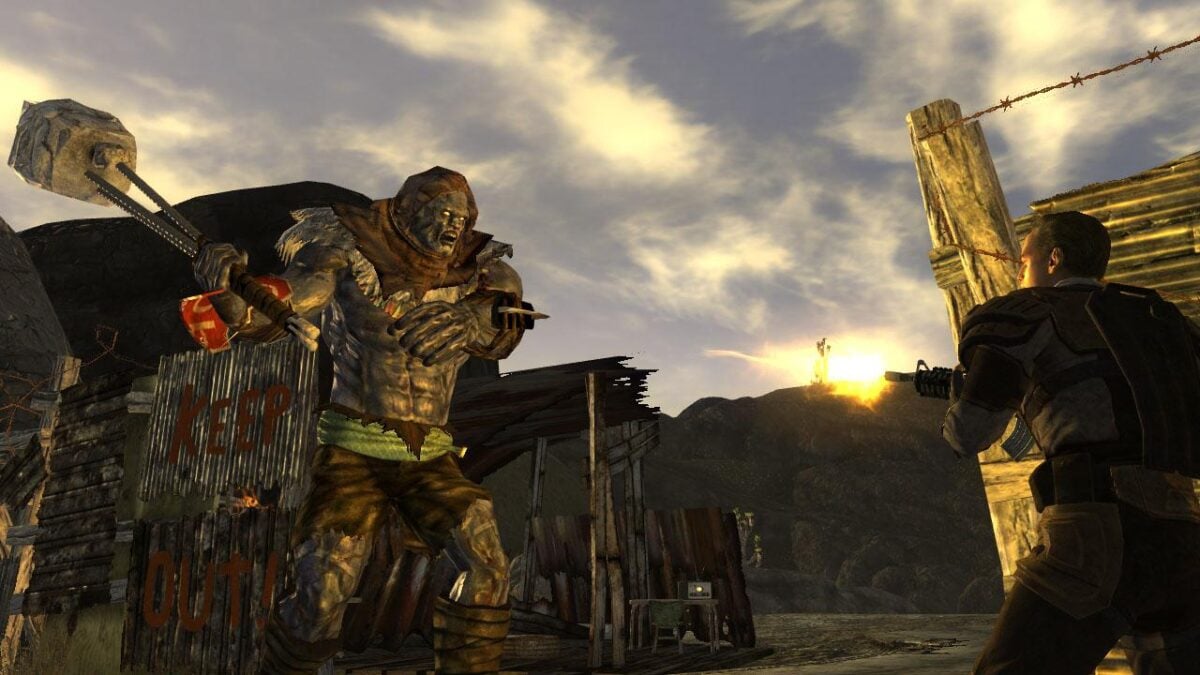
Fallout: New Vegas has a launcher highlighting fix in the release notes. Image: Bethesda Softworks / Obsidian Entertainment / Steam
Where to check your compatibility settings
Steam can manage Proton alongside your games. If you have manually forced a different compatibility tool for a particular title, open that game’s properties and check the Compatibility section before assuming it is using the new stable build.
I would avoid changing a working setup just because a new version exists, especially if you rely on a custom tool. If you do try the update to solve a specific problem, the release notes are worth checking for the exact game and scenario. Valve’s list covers many more audio, rendering and launcher changes than the examples above.
Image credits: Ubisoft; Electronic Arts / BioWare; Bethesda Softworks / Obsidian Entertainment.
Note: Links to online stores in articles can be so-called affiliate links. If you buy through this link, MIXED receives a commission from the provider. For you the price does not change.
As an Amazon Associate we earn from qualifying purchases.