
Pimax Play 2.0.4 fixes a Dream Air SE screen distortion, and rolls out over two weeks
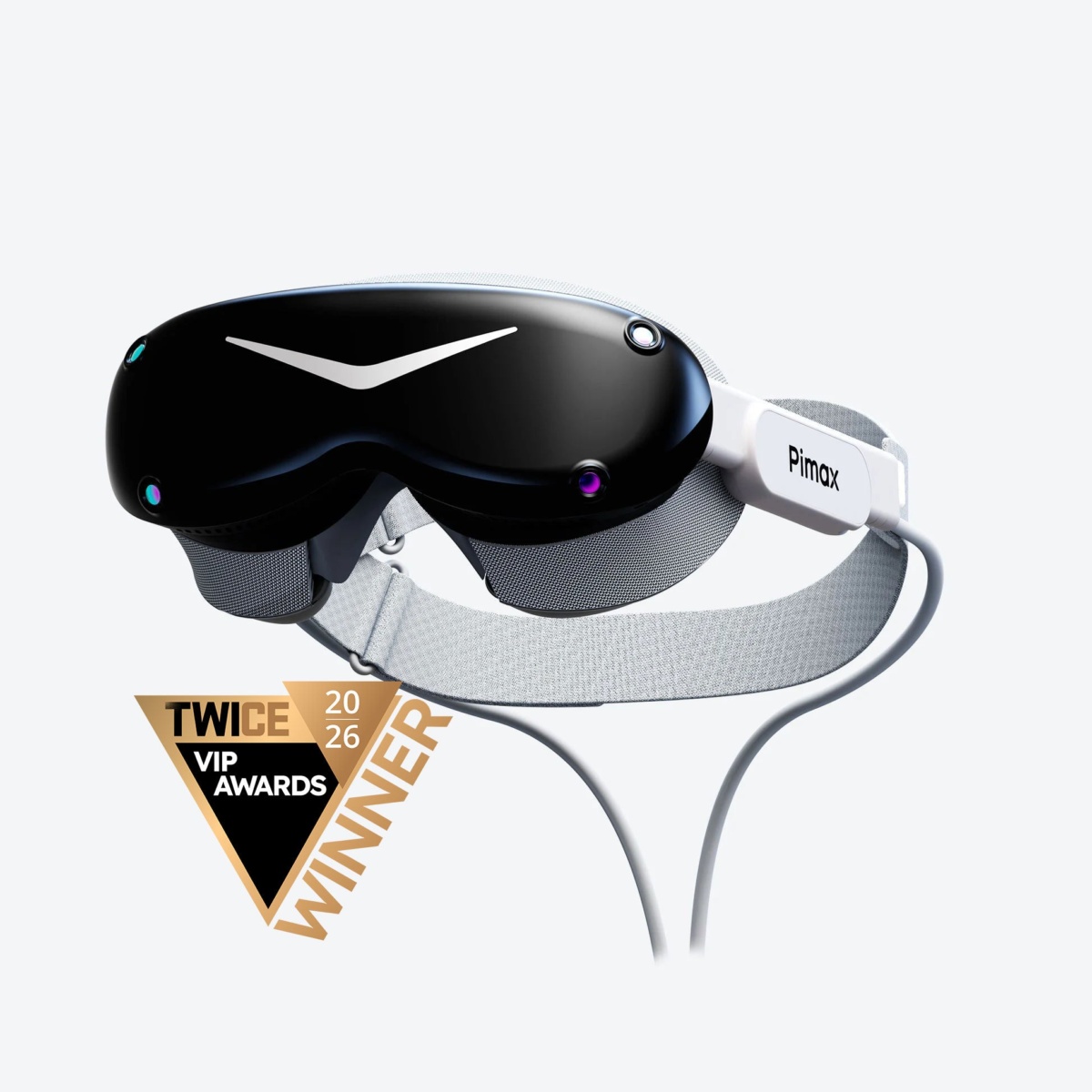
Pimax Play 2.0.4 ships a Dream Air SE firmware build that fixes a screen distortion, along with a software fix for a floor height that could shift when you enter a game, and Pimax says the release reaches everyone gradually over two weeks. Pimax's downloads page dates it to September 20 and lists it as a 313 MB installer for Windows 10 and 11.
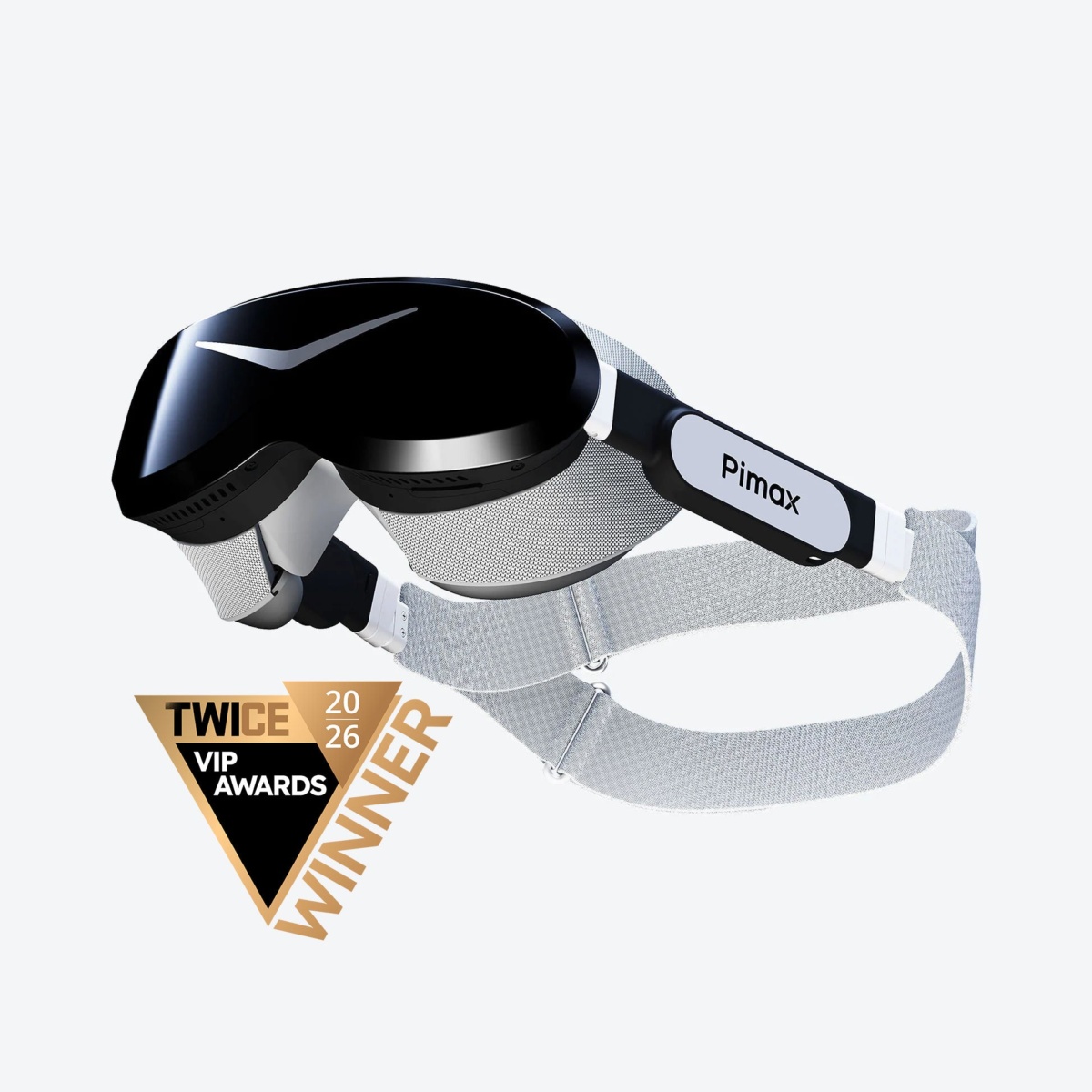
The Dream Air SE is the one headset in this update whose firmware fix Pimax describes, a screen distortion issue. Image: Pimax
These are Pimax's own descriptions of what it repaired, with no numbers attached to any of the six software bugs, so none of it is a count of how many owners hit them.
Six software fixes, and firmware for four headsets
The software list is specific about symptoms, in Pimax's wording:
- "Fixed an issue where the floor height could change unexpectedly when entering a game."
- "Fixed an issue where the controllers could occasionally become unresponsive."
- "Fixed an issue where enabling sharpening could cause an unexpected drop in frame rate."
- "Fixed an issue that caused elevated black levels in game visuals."
- "Fixed an issue where individual game settings could reset automatically."
- "Fixed a low-probability crash caused by the tracking algorithm library."
The sharpening entry is the one a Crystal Super or Crystal Light owner chasing frame rate will want, since the setting meant to sharpen the image was costing performance. The floor-height entry is the one that leaves you standing too high or too low the moment a game loads.
Four firmware builds ride along with the update: Dream Air V1.0.6, Dream Air SE V1.0.6, Crystal Light V1.0.22 and Crystal Super V1.0.18. Only one of them gets a described fix, the Dream Air SE build, which Pimax says "Fixed an existing screen distortion issue"; for the other three it says only that it fixed device-related or compatibility issues, so nothing further is established about them.
The same release adds IPD and volume adjustment to the custom button settings, a warning when the headset is not tracking properly as a game launches, a repair path for cases where the SteamVR driver is not installed, and account deletion.
The rollout runs for two weeks, so your copy may not have it
Pimax says plainly that "This version will be gradually rolled out to all users over the next two weeks", counted from the September 20 release date, which puts the end of the rollout in the first days of October. A staged rollout is why a fix dated more than a week ago is still landing on people's PCs.
Pimax has form for shipping bug fixes in batches like this. Mixed News covered a Pimax software update aimed at Crystal Light tracking in 2025, and the bug list Crystal Super buyers were handed at launch.
Pimax's own channels give two different version numbers
Anyone checking which build they should be on will find two answers from Pimax. The downloads page names v2.0.4, dated September 20, as the current Pimax Play release, while the newest release notes Pimax has posted on its own community forum are for Pimax Play 2.0.2, published there on July 2 and still drawing replies on September 23.
The downloads page is the one that serves the installer, so that is the version number to go by. It is a 313 MB download for Windows 10 and 11, covering the Dream Air, Dream Air SE, Crystal Light and Crystal Super.

