
Pimax EVO lets head movements steer the camera in compatible PC games
Pimax EVO’s latest update lets you use head movements to control the camera in compatible traditional PC games. The experimental client’s PVRM mode displays selected games in the headset, with Xbox controller input and a recenter option.
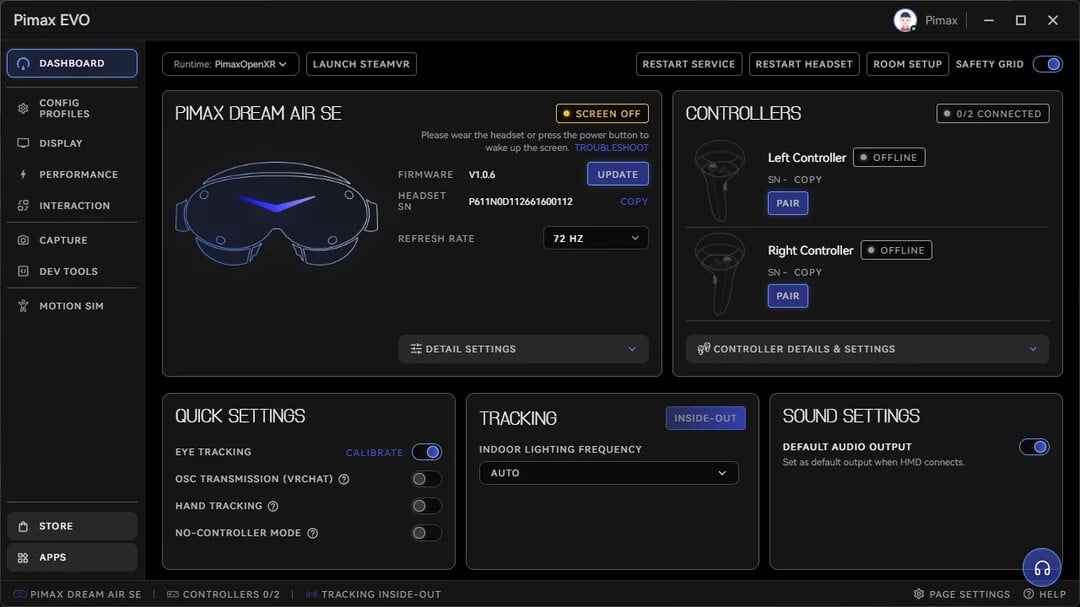
Pimax’s announcement covers the updated EVO client. Image: Pimax
Pimax’s October 22 release notes explicitly say this does not turn a flat-screen game into native VR. Whether it works depends on the game’s camera controls and input methods, so it should not be read as universal support for a PC library.
Saved profiles make different display settings easier to manage.
Version 2.0.0.148 adds named profiles for display, performance and interaction settings, including import and export for backups or sharing. A redesigned dashboard shows connection status and device information, while settings are grouped into clearer categories.
System UI can remember window position, size and orientation when reopened during the same session. Those layouts are still lost after restarting the client, a limitation listed in the notes.

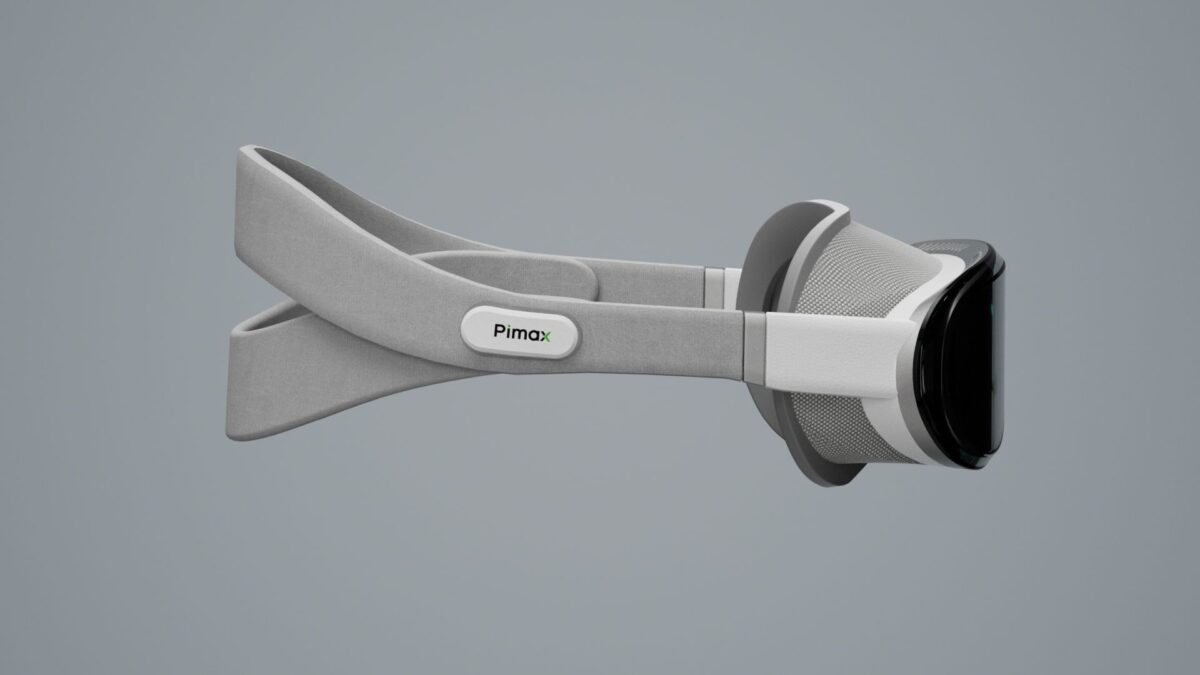
Pimax’s Dream Air headset, shown in an official product image. Image: Pimax
The rollout is gradual rather than available to every user at once.
Pimax plans to distribute the update over two weeks from the announcement, with timing subject to performance and feedback. The release post links to the EVO Discord for the download; Pimax also maintains a software download hub for its headset tools.
EVO is part of Pimax’s work on the software surrounding PC VR. The company separately confirmed that a Pimax Play client for Linux is in development. That operating-system project and this EVO update address different uses: one concerns where the client runs, while the other changes how games and settings behave inside it.

