
OpenAI's Agents API gets a hosted browser, and one approval covers a whole site
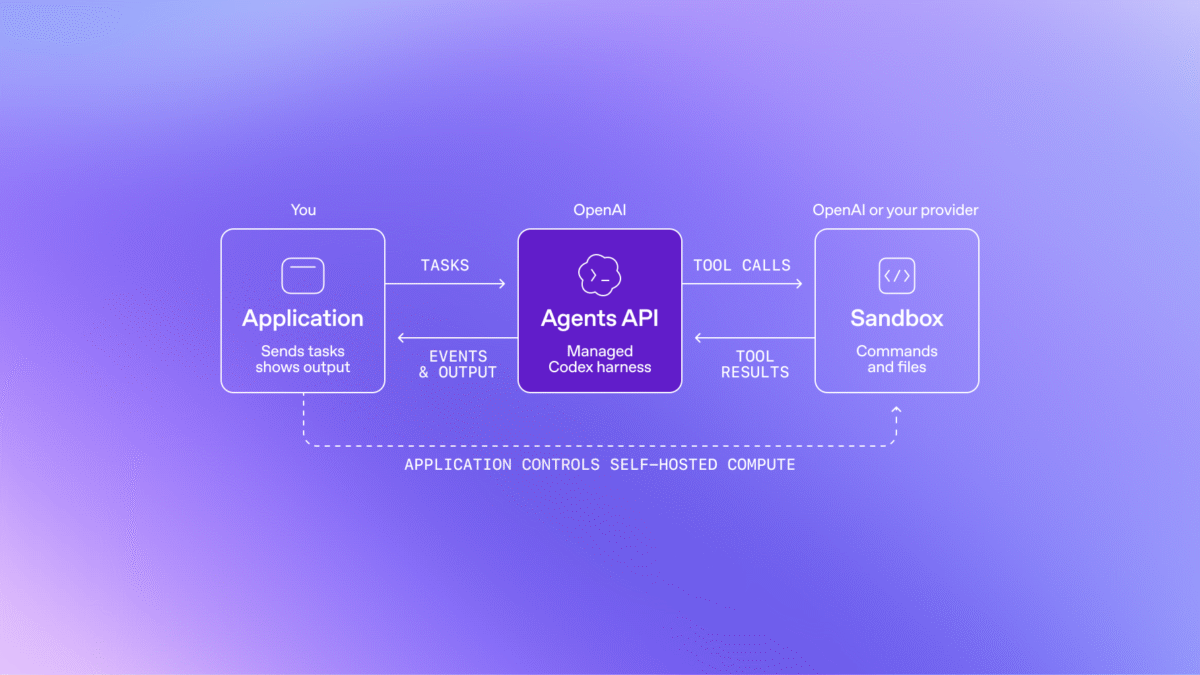
OpenAI added computer use to its Agents API on September 29, so an agent can now work through a browser that OpenAI hosts, and the browser asks the user to approve every new website it visits. What that approval does not cover is spelled out in OpenAI’s own guide: "Origin approval does not enforce confirmation before individual actions".

Computer use in the Agents API was announced at OpenAI's DevDay on September 29. Image: OpenAI
The API changelog entry for September 29 reads: "Added computer use to the Agents API. Agents can complete tasks in an OpenAI-hosted browser, with website access approvals and sign-in handled by your application." This is the developer API, not the agent mode inside ChatGPT, and the examples run on the GPT-6 Astra model.
Approval is per website, not per click
The permission model is narrow and clearly stated. "The browser requires the user’s approval before accessing each new website origin, including public websites," the guide says. "Enabling network access does not approve these requests."
Each request arrives as a computer_use_approval_request entry when the session raises an agent.session.requires_action event, and the application answers with approve, deny or cancel. Once an origin is approved, the agent works inside it without coming back for another decision.
OpenAI spells out what that leaves to the developer: "If your application must guarantee confirmation before purchases, destructive changes, or other consequential actions, restrict the hosted browser to resources that cannot perform them, or use a browser runtime you control. Asking for confirmation through a function tool relies on the agent calling that function." The guarantee is the application’s job, not the API’s.
Developers are also told to "treat website content as untrusted", because content "cannot grant permission or override the user’s instructions". That is the standard defence against a page telling an agent to do something its user did not ask for.
Sign-in stops at passkeys
Tasks behind a login are handled by the application, which builds its own sign-in screen from the fields and login methods the request carries. "This flow supports email addresses, passwords, and verification codes, but not passkeys or QR-code sign-in," the guide says. "Sites that require an unsupported method cannot complete sign-in through this flow."
There is a second limit on who can ask. "Only the main agent can request browser authentication; subagents cannot," OpenAI writes, so a multi-agent run cannot have a helper agent prompt the user for a password.
Credentials come back in one submission with documented ceilings: up to six field values, each field once, values of up to 16,384 characters, and a serialised payload that must fit within 120 KiB. Screenshots of the browser are optional per session through include_screenshots, and OpenAI warns that they "can contain sensitive page or account data. Show them only to authorized users and keep them out of application logs."
The Agents API is still behind a beta header
Browser operations are saved as session items an application can replay afterwards, and the guide covers recovering the same session if the connection drops mid-task. It gives no price for a hosted browser session, no regions and no rate limit, and the Agents API still requires the OpenAI-Beta: agents=v1 header on the api.openai.com/v1/agents/sessions endpoint.
Browser agents have produced OpenAI’s own incident reports before, including the case where its agents uploaded user images to image-hosting sites in 53 cases. Computer use in the Agents API was one of 25 items in OpenAI’s DevDay 2026 recap, published on September 29.

