
Steam Deck mystery Loco Motive gets touchscreen controls and native Linux support

Loco Motive has received a 1.1 update that gives Steam Deck players another way to investigate its train-bound murder mystery: touchscreen controls.
Developer Robust Games says the update adds gestures for tapping and dragging items, along with a redesigned control experience for handheld devices. It also introduces native Linux and macOS versions of the point-and-click adventure. Read the official announcement.
The changes are useful beyond a feature list. A game built around selecting objects and combining clues can feel different on a handheld screen than it does with a mouse, and the update gives players more direct ways to interact with its world.

Image: Robust Games / Chucklefish
What the touchscreen update changes
Players can tap to interact and drag items using the touchscreen. The developer also describes a double-tap gesture for running and a two-finger downward gesture for skipping, alongside improvements to handheld interface scaling.
Those additions sit beside the game’s existing control options. If you prefer physical controls, check the updated layout on your device and choose the input method that feels most comfortable for exploring the train.
Loco Motive follows several characters caught up in a murder mystery aboard a luxury train. Its pixel-art presentation and comic tone frame an investigation that involves talking to passengers, examining objects and working through puzzles.
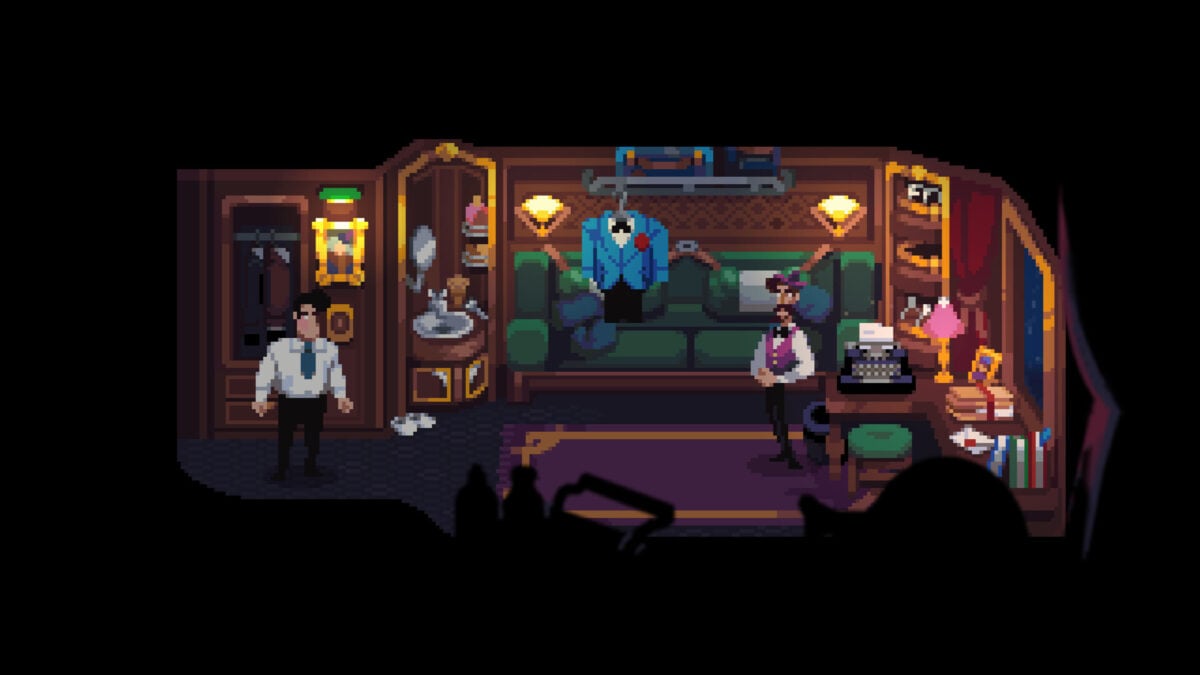
Image: Robust Games / Chucklefish
A note about Linux saves
The native Linux version is particularly relevant to Steam Deck, which uses a Linux-based operating system. It is a separate technical change from the touchscreen gestures.

Image: Robust Games / Chucklefish
Players moving from the earlier Windows build under Proton should check the developer’s update notes for save migration instructions, especially if Steam Cloud is disabled. Keep an existing save backed up before changing the version you use.

