
Linus Tech Tips calls Titanfall 2 mod “the best experience I’ve ever had in VR”
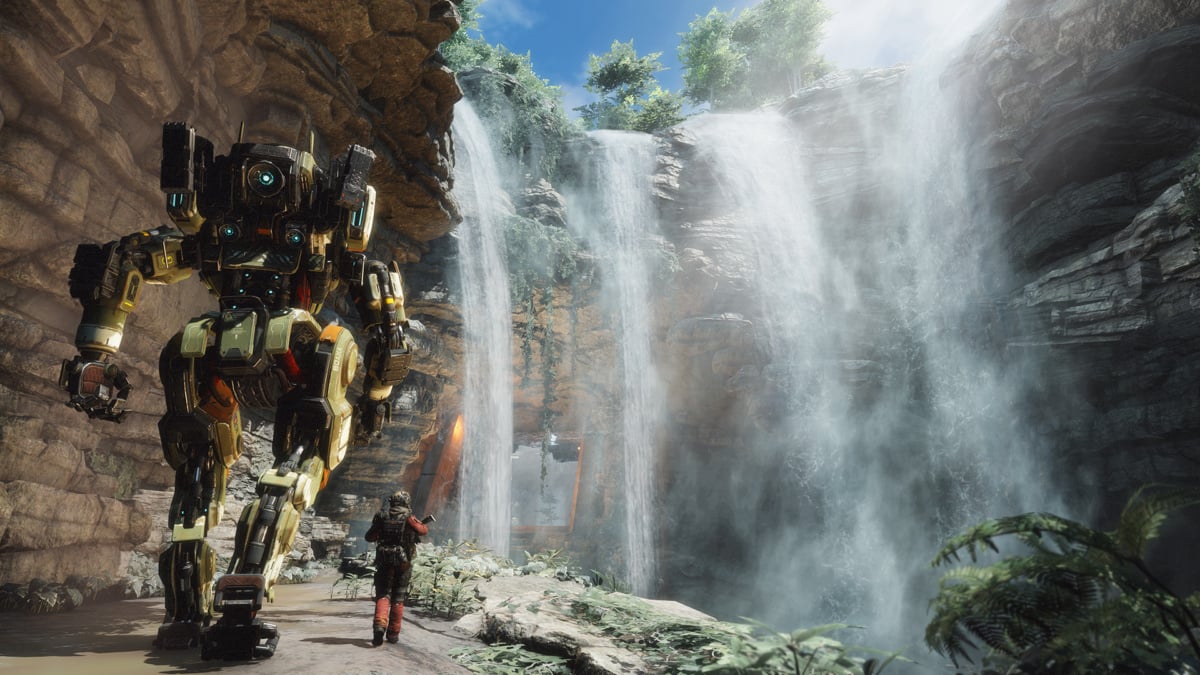
Titanfall 2 was not designed as a virtual reality game, but Linus Tech Tips has been trying it in a headset thanks to an unofficial mod. Linus Sebastian came away calling it “the best experience I've ever had in VR.”
That is his reaction to the mod, not a new official VR edition from Respawn. The video also makes clear that impressive moments come with caveats: comfort varies, and the PC doing the rendering needs enough graphics power.
The team tried the game with a Meta Quest 3 and Valve's Steam Frame as part of a broader look at flat-screen games adapted for VR. The images in this article are official screenshots of the standard game, not screenshots of the mod or MIXED's own tests.
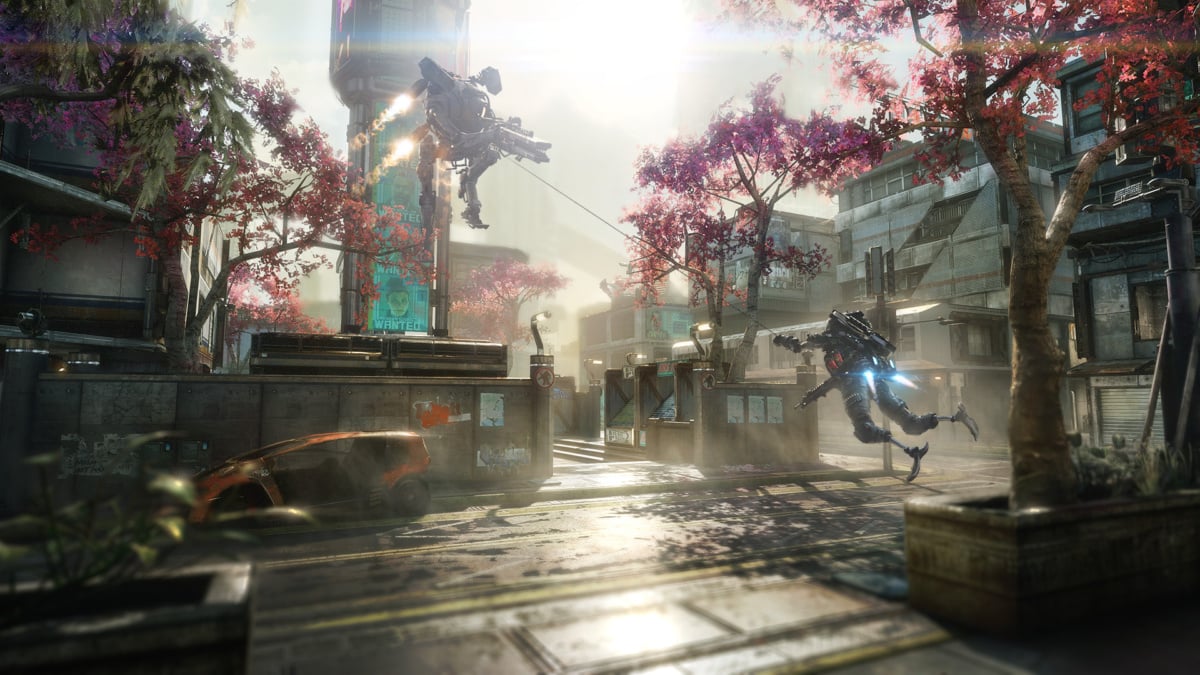
An official screenshot from the standard version of Titanfall 2. Image: Electronic Arts / Steam
Titanfall 2 stood out for aiming, reloading and Titan piloting
In the Linus Tech Tips video, Sebastian points to the feeling of aiming and reloading weapons, and later climbing into a Titan. He describes the result as a very different experience from playing on a flat screen.
He also says some movement can be disorienting. That is a useful reminder for anyone sensitive to motion sickness: a fast-paced shooter originally designed for a monitor may feel very different when the viewpoint moves around you.
The video also looks at Oblivion Remastered, Clair Obscur: Expedition 33 and The Legend of Zelda: Breath of the Wild. Those are separate games and modding setups; one installation method should not be assumed to work for all of them.
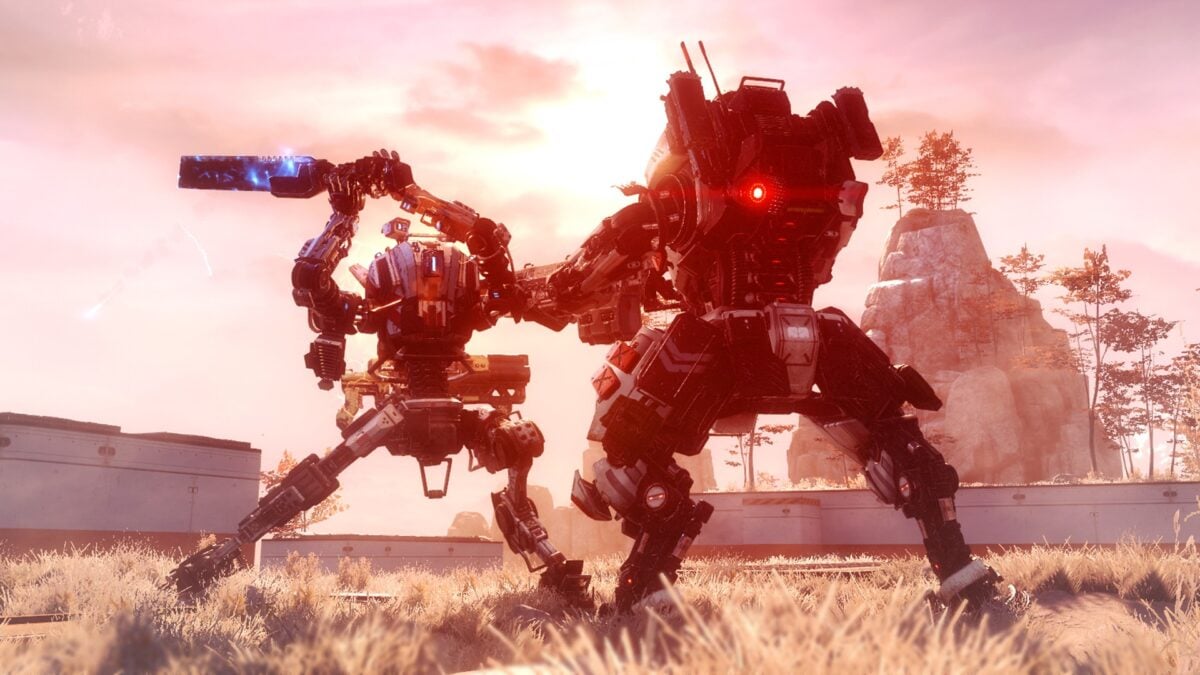
The original game combines pilot combat with larger Titan battles. Image: Electronic Arts / Steam
Linus Tech Tips tested two graphics cards with Quest 3 and Steam Frame
Linus Tech Tips says it could reliably capture VR performance numbers only for Titanfall 2 in this set of tests. It ran part of The Ark mission five times per scenario at the highest in-game settings and compared two GPUs with the headsets streaming wirelessly. Both used a 200 Mbps bitrate, but the Quest ran Virtual Desktop at medium quality while the Steam Frame used native eye resolution, so these are not identical quality settings.
With an RTX 3060, the team reported averages of 50 frames per second on Quest 3 and 43 on Steam Frame. An RTX 5070 averaged 108 and 103 frames per second respectively in its tests. These are the channel's measurements under its chosen settings, not results MIXED independently reproduced or a guarantee for another PC.
The team also encountered frame-measurement and motion-smoothing complications. Different streaming settings, wired connections or changes to the game may affect results, so I would treat the numbers as a useful starting point rather than a fixed hardware requirement.
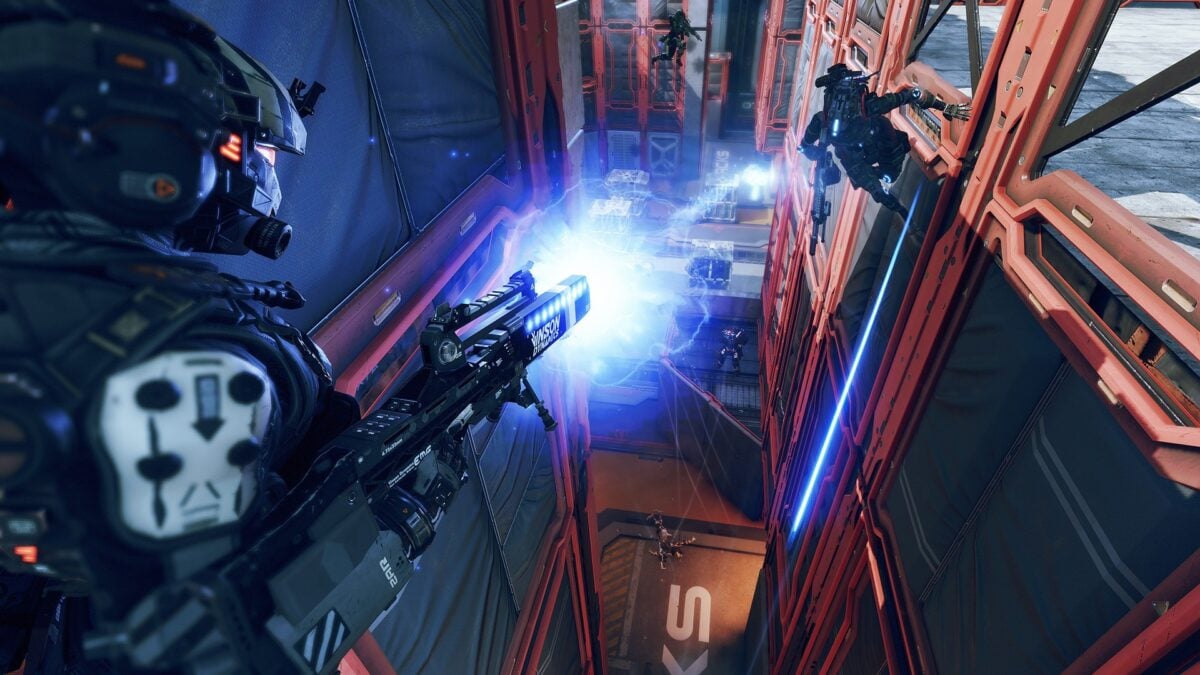
The images here show the standard game, not the VR mod. Image: Electronic Arts / Steam
The unofficial PC VR mod needs a headset and PC copy
You will need a PC copy of Titanfall 2, a suitable gaming computer and a compatible PC VR headset. This is not a standalone Quest release.
The video description links to community developer CircuitLord's Titanfall 2 VR installer, which finds supported PC installations and uses a separate VR profile. Its creator says the project is not endorsed by the game's publisher. Check its current instructions and requirements before installing; the video does not specify the mod build used for testing.
We previously covered a community VR mod's multiplayer beta for Titanfall 2. The LTT video focuses on its own hands-on impressions and test results.
If you are considering a headset, Amazon lists the Meta Quest 3 512GB. You still need a compatible PC and the game separately to use a PC VR mod.
Image credit: Electronic Arts / Steam.
Note: Links to online stores in articles can be so-called affiliate links. If you buy through this link, MIXED receives a commission from the provider. For you the price does not change.
As an Amazon Associate we earn from qualifying purchases.

