
Intel’s 20-core i7-14700KF drops $87 below its typical price at Amazon
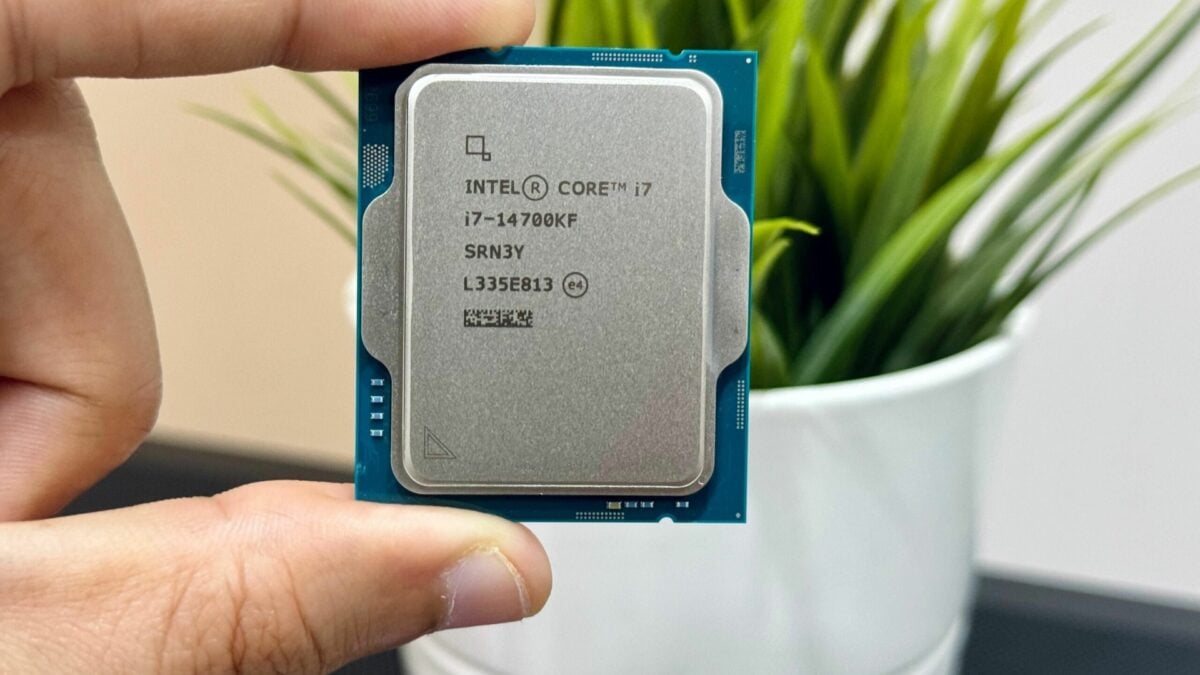
If your gaming PC needs a processor upgrade, Amazon has the Intel Core i7-14700KF for $252.99. That’s $87 below the retailer’s displayed $339.99 typical price for a 20-core desktop chip.
The 14th-generation processor combines eight performance cores with 12 efficient cores and supports 28 threads. It’s an appealing option for an LGA1700 system that handles games alongside work such as editing or rendering, provided the rest of the build is compatible.
When checked, the new processor was in stock and sold and shipped by Amazon.com. The displayed price and free standard delivery did not require a coupon or Prime membership, though delivery dates can change by location.
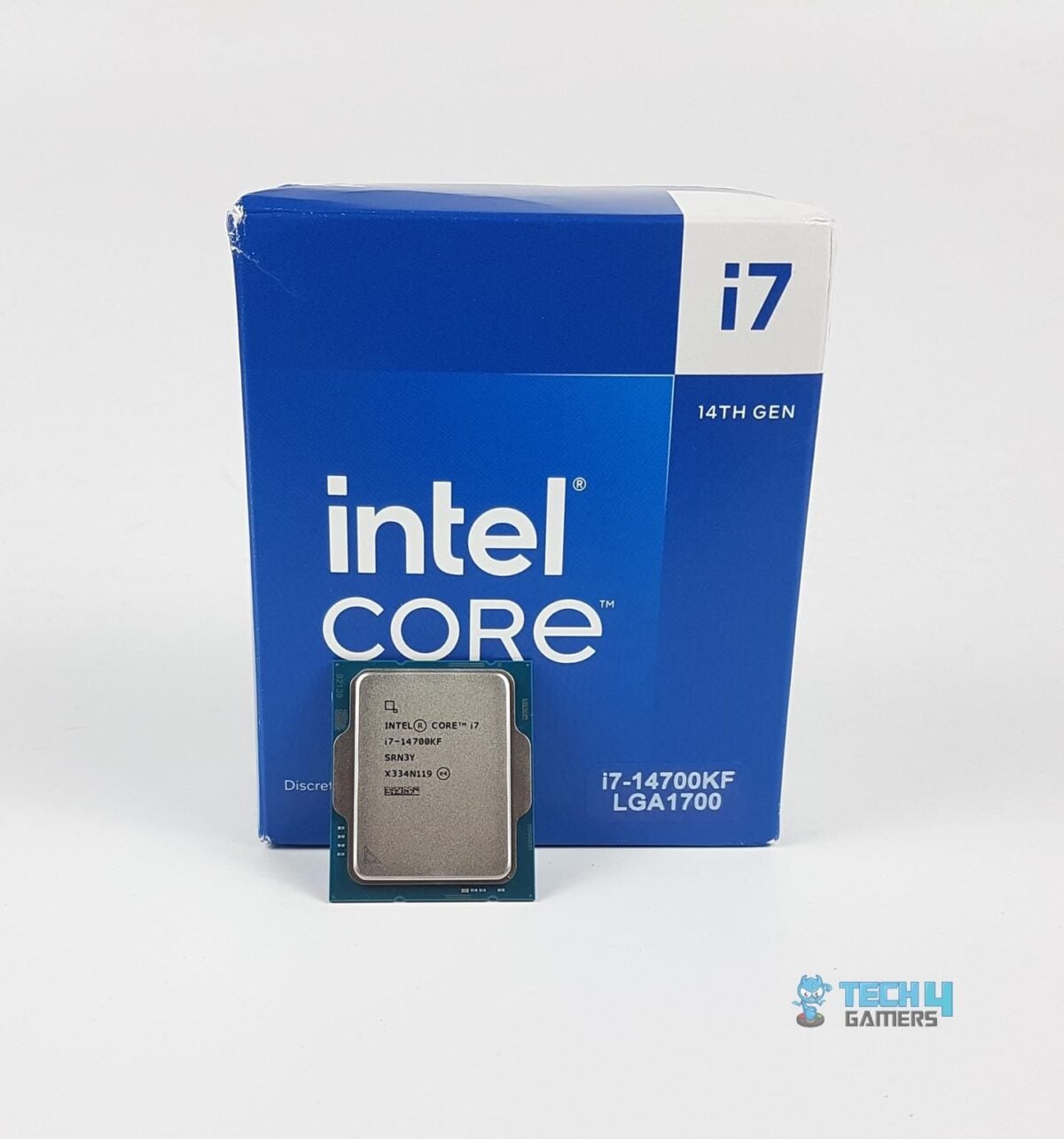
The i7-14700KF is a 14th-generation desktop processor for Intel’s LGA1700 socket. Image: Tech4Gamers
- Comparison price
- $339.99 (Amazon typical price)
- 20 cores, 28 threads and LGA1700 socket
- Sold and shipped by Amazon.com when checked
The 20-core processor suits gaming PCs that do more than gaming
Intel lists a maximum turbo frequency of up to 5.6GHz, alongside support for DDR4 and DDR5 memory. Check which memory type your motherboard supports, because DDR4 and DDR5 modules are not interchangeable.
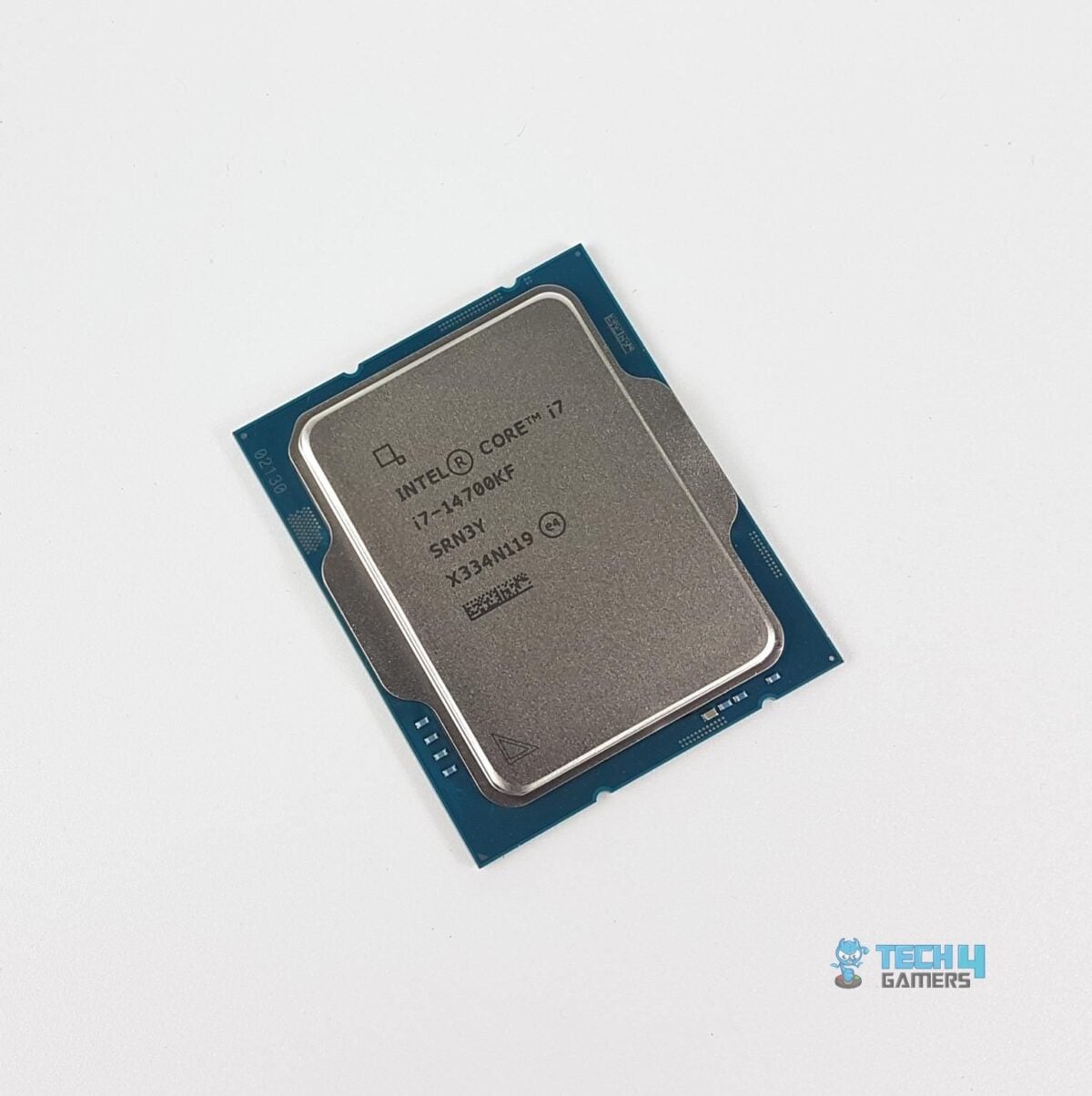
The processor has 20 cores split between eight performance cores and 12 efficient cores. Image: Tech4Gamers
Having 20 cores can be useful when you split your time between games and tasks that make use of multiple cores. I’d still consider your graphics card, the games you play and the software you use before choosing an upgrade: the CPU alone does not determine gaming frame rates.
There’s another detail in the name worth checking. The KF model has no integrated graphics, so you’ll need a separate graphics card to get a display from the system.
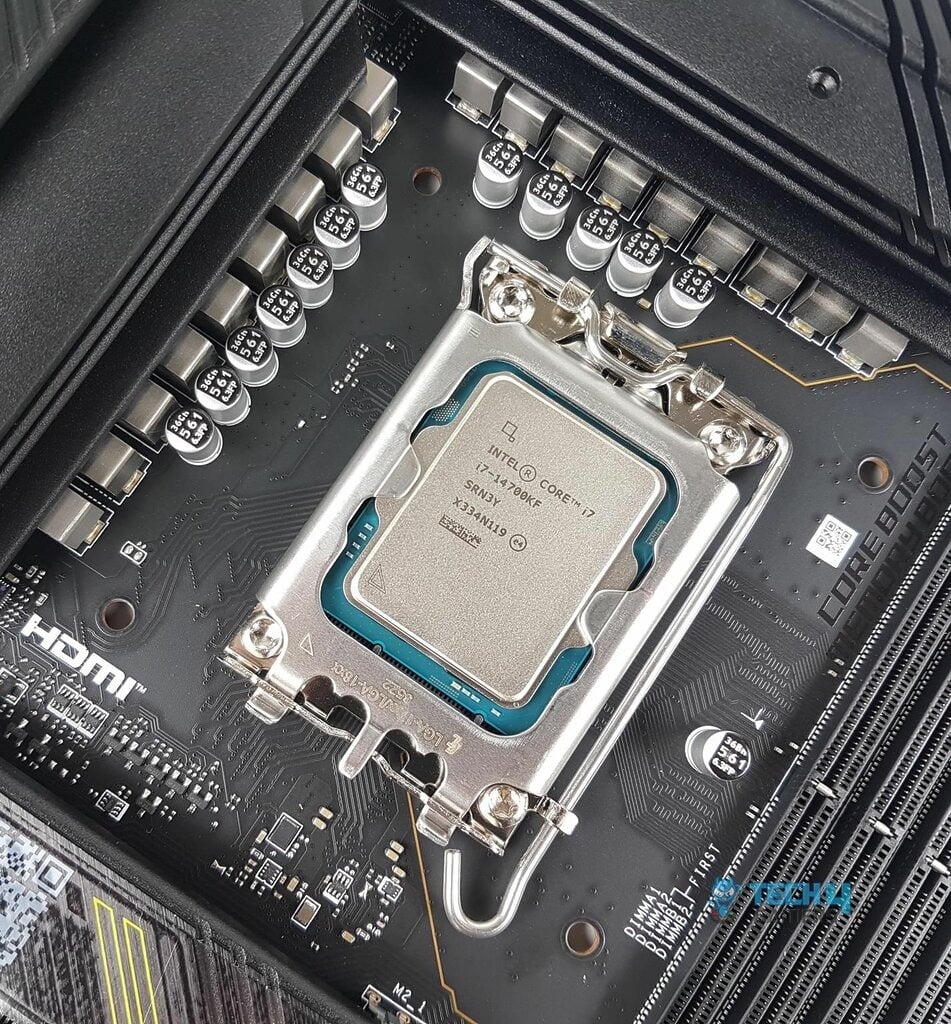
Check your specific motherboard’s CPU support list and BIOS requirements before upgrading. Image: Tech4Gamers
Plan for cooling and check the motherboard BIOS before buying
Intel does not include a cooler with its boxed KF processors. Factor a suitable LGA1700 cooling solution into the budget if you don’t already have one. Intel lists 125W base power and 253W maximum turbo power, so make sure the cooler you choose is appropriate for the processor and your case.
I also recommend checking your motherboard’s CPU support list and updating its BIOS as directed by the board maker. Intel has acknowledged an instability issue affecting some 13th- and 14th-generation desktop processors and recommends its default BIOS settings and the latest BIOS with microcode 0x12F or later. An update should not be assumed to reverse existing damage.
As for the offer, the $87 saving compares Amazon’s price with its displayed typical price. Check that the i7-14700KF is selected and confirm the final price and delivery details before placing your order.
Image credit: Tech4Gamers.
Note: Links to online stores in articles can be so-called affiliate links. If you buy through this link, MIXED receives a commission from the provider. For you the price does not change.
As an Amazon Associate we earn from qualifying purchases.

