Google Home now lets Claude and other AI agents control your smart home, in early access
Google Home now lets outside AI agents such as Claude read and control your smart home, but only in early access and only on Google's most expensive home plan. Google's announcement of September 16 says any agent that can call Model Context Protocol (MCP) tools, "such as Google Antigravity, Claude, Hermes, OpenClaw or others", can now work with the devices and event history in a Google Home.
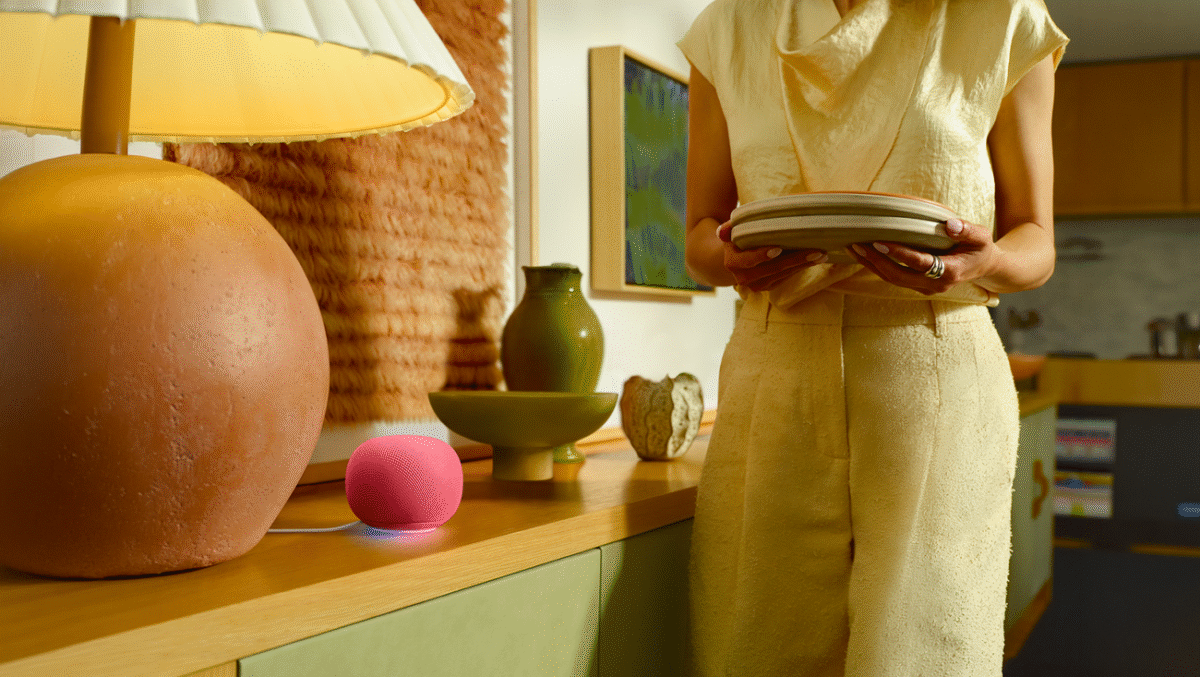
Home MCP is in early access for Google Home Premium Advanced subscribers in the US. Image: Google
That covers a lot of hardware, from a Google Nest doorbell and thermostat to Works with Google Home and Matter light bulbs, according to Google. Early access is rolling out in English to Google Home Premium Advanced subscribers in the US, a plan that costs $20 a month or $200 a year on the Google Store.
Agents get five tools and a lot of context
Google's developer documentation lists five tools the Home MCP server exposes: one to find your homes, one to list devices and rooms, one to read live device states, one to run actions, and one to search the history of past events.
Google's post gives examples from its early testers. An agent can summarise across all your cameras what the children did after school and show the clips, count how many loads of laundry ran in a week, send you an audio message through a Google Home speaker when it finishes a task, or build a custom dashboard for your home.
Camera data needs an extra step. The documentation says users must consent separately before an agent can see familiar face data, and that this needs a manager of the home, a compatible Nest camera or doorbell and familiar face detection turned on.
Google blocks door unlocking and warns about the rest
Google is unusually blunt about the risk. "Connecting a real-life home to an AI agent allows that agent to control devices on your behalf," Google warns in both the announcement and the documentation, adding that Home MCP "enforces rate limits and safety protections, such as prohibiting sensitive actions like unlocking doors."
It then concedes the limits of that protection: "depending on your agent, connecting it to Home MCP can result in unexpected or even undesired behavior." Google suggests telling other people in the household that an agent can control their devices, or setting up a separate test home, and says an agent's access can be revoked at any time from the Google Home app.
Creating and managing automations is not supported yet, and Google lists it as coming soon. The documentation also lists known issues: some device traits are experimental and may not work as expected, and responses can at times take longer than expected.
Setup is for the technically confident
This is not a toggle in the Google Home app. The documentation walks through creating a Google Cloud project, obtaining access approval, enabling the Home API, configuring an OAuth consent screen and client ID, publishing the app and then pasting the credentials into your agent.
For Claude, Google's instructions use a custom connector in Claude Cowork pointed at Google's Home MCP server, followed by a sign-in in the browser. Claude is one of three clients Google documents step by step: Antigravity and the open-source OpenClaw get their own configuration instructions.
Smart home standards have promised this kind of interoperability for years, from Matter's original pitch as a universal smart home standard onwards. Google's version asks for a Cloud project, a $20 monthly plan and trust in an agent that cannot unlock the front door.