Epic’s launcher preview now supports Fedora, but SteamOS users still have to wait

Epic Games has added Fedora to the officially supported Linux distributions for its new launcher preview. Ubuntu and Debian remain on the list, while SteamOS users still have to wait for an official nod.
The change brings back an AppImage download alongside the Debian package, as GamingOnLinux spotted. That gives Fedora players a path Epic now lists as supported, rather than leaving them to wonder whether their distribution is covered.
There is an important distinction for anyone with a Steam Deck: supporting the launcher on Fedora is not the same as announcing SteamOS support. Epic’s current preview FAQ names Ubuntu, Debian and Fedora. It says other distributions may work, but are not officially tested or supported.
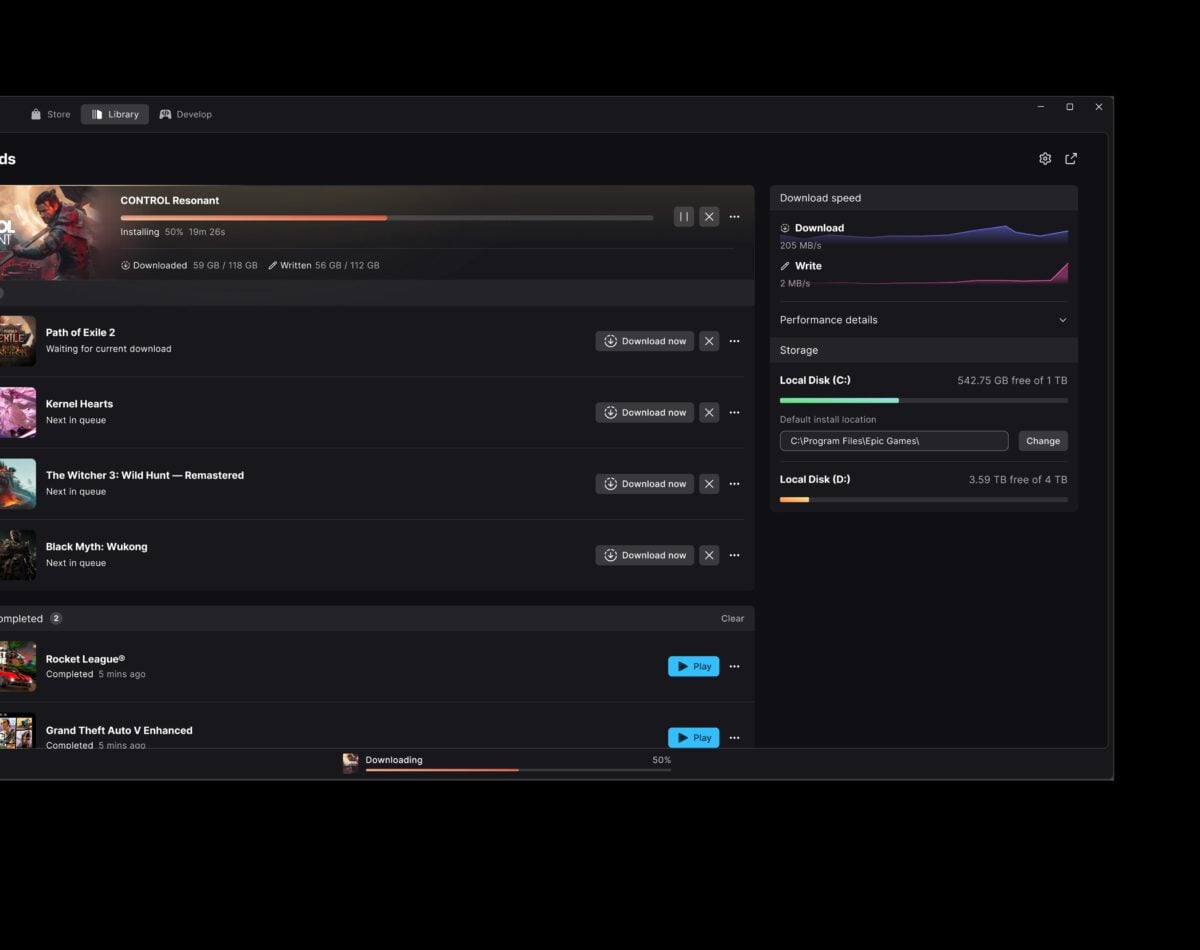
Epic’s preview includes a download manager for games. Image: Epic Games
Which Linux versions are on Epic’s list?
Epic lists Ubuntu 22.04 LTS or newer, Debian 12 or newer, and Fedora 43 or newer. It directs Ubuntu and Debian users to the .deb package and Fedora users to the AppImage. The published requirements also include a 64-bit x86 processor, 4GB of memory and 2GB of storage.
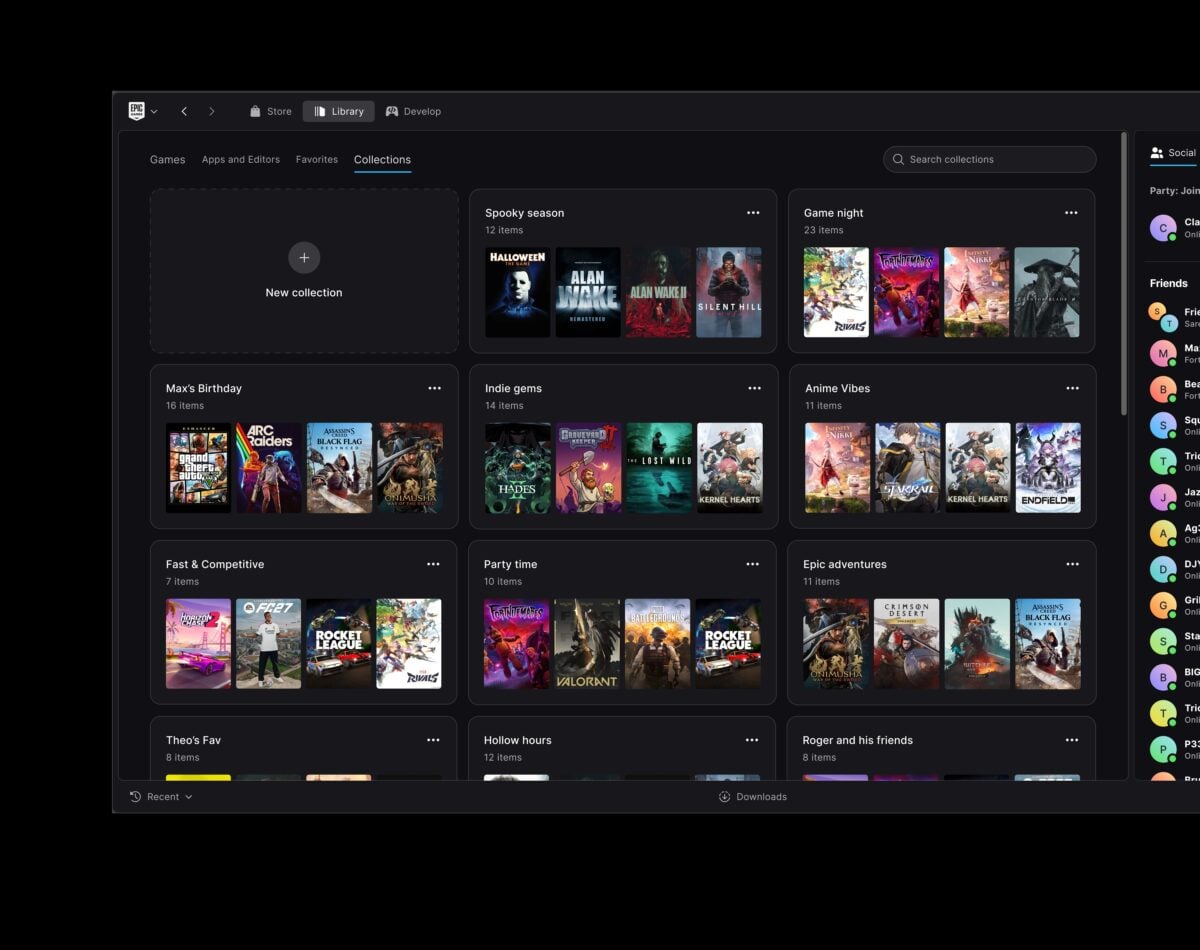
The preview carries existing purchases and installed games across, Epic says. Image: Epic Games
The app is still a preview, so expect unfinished features and the possibility of bugs. Epic says some social and account-management options from the older launcher are not available yet. It also warns that installing the preview automatically uninstalls the legacy client, although purchases, installed games, cloud saves and progress should carry over.
As we reported earlier, Epic has said it plans broader Linux support, including SteamOS. The latest supported-platform list does not give a SteamOS launch date.

The launcher remains preview software. Image: Epic Games
A working launcher does not guarantee every game will work
Epic says the launcher itself runs natively on Linux, but many games are Windows builds and may need a compatibility layer. Check the individual game before installing it, particularly if anti-cheat is involved. This update does not establish that Fortnite works on Steam Deck.
The November 20 0.120.0 release notes also list an option to change the directory where a game’s files are located and changes to uninstall controls.
If a growing library has you considering more internal storage for a desktop or compatible laptop, Amazon lists the Samsung 990 1TB NVMe SSD. This optional M.2 2280 drive does not fit the Steam Deck’s internal 2230 slot. Check your computer’s compatibility and back up files before changing drives or file systems.
Image credit: Epic Games.
Note: Links to online stores in articles can be so-called affiliate links. If you buy through this link, MIXED receives a commission from the provider. For you the price does not change.
As an Amazon Associate we earn from qualifying purchases.