
ASUS’s 27-inch 1440p ROG monitor with up to 255Hz is $100 below list at Amazon
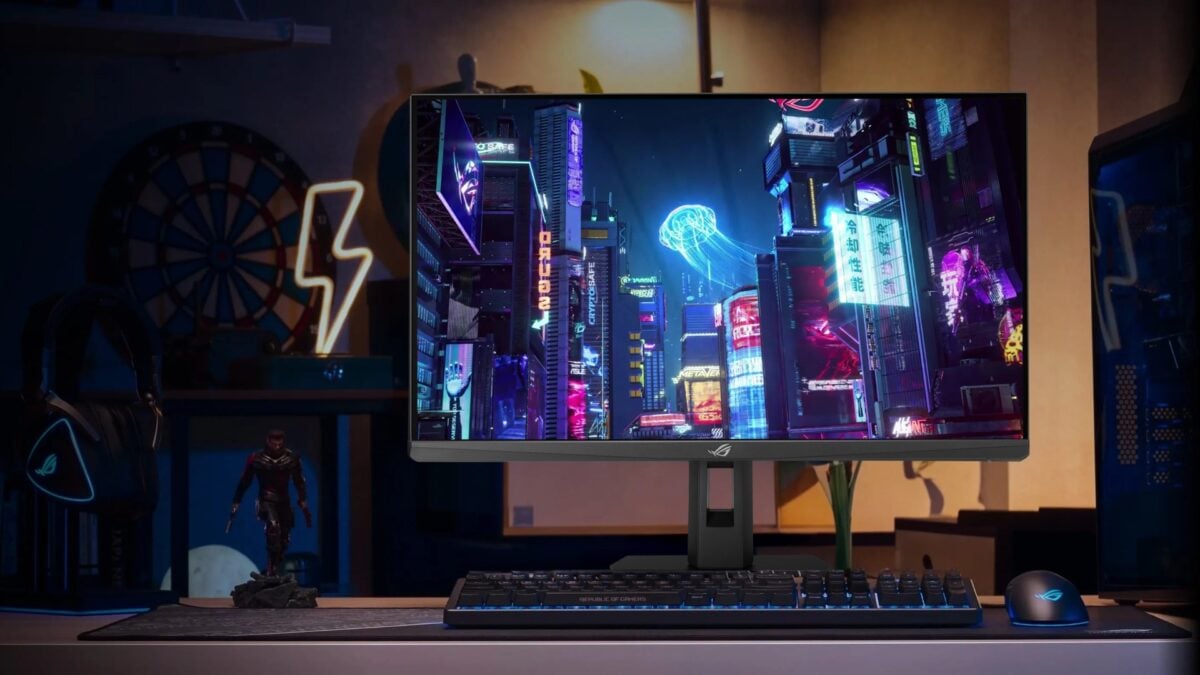
ASUS’s ROG Strix XG27ACMES gaming monitor is $199 at Amazon, which is $100 below the retailer’s displayed $299 list price. For that money, you get a 27-inch, 1440p Fast IPS screen with a refresh rate that reaches 255Hz when overclocked.
When I checked the XG27ACMES offer, the new monitor was in stock and sold and shipped by Amazon. The displayed price did not require a coupon or Prime membership, although delivery dates can vary by address.
I’d consider this size if you want sharper text and more desktop space than a 1080p screen without stepping up to the demands of 4K gaming. The high refresh rate is most useful when your PC can also deliver high frame rates, so the games you play and your graphics settings matter.
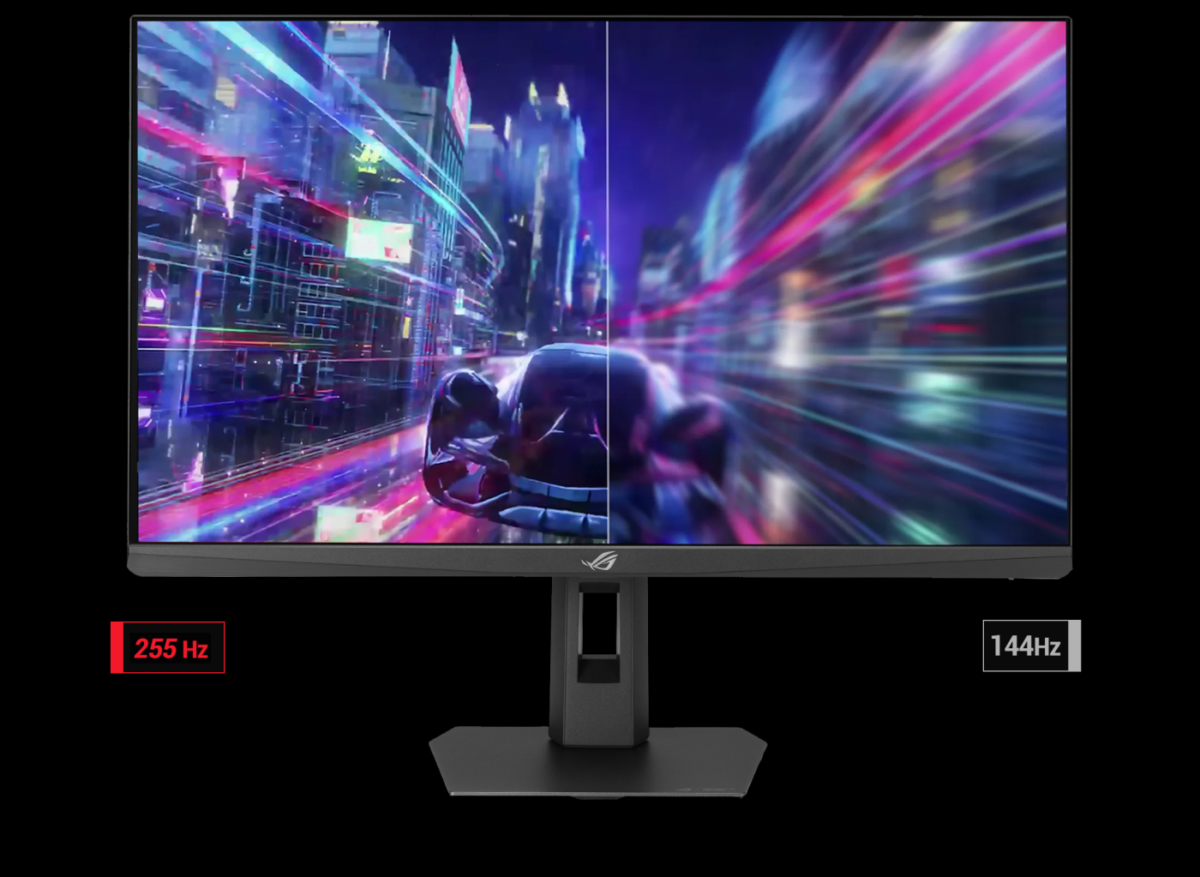
ASUS illustrates the difference between refresh rates; actual game performance depends on your PC and settings. Image: ASUS
- 27-inch Fast IPS screen; 2560 × 1440; up to 255Hz overclocked
- Amazon comparison price (list price)
- $299.00
- New; sold and shipped by Amazon when checked
A 1440p screen built for high refresh rates
The 2560 × 1440 panel gives you a useful middle ground between 1080p and 4K. ASUS specifies Fast IPS rather than OLED, with the 255Hz maximum reached through overclocking. Check your device, cable and display settings to make sure you can use the resolution and refresh rate you want.
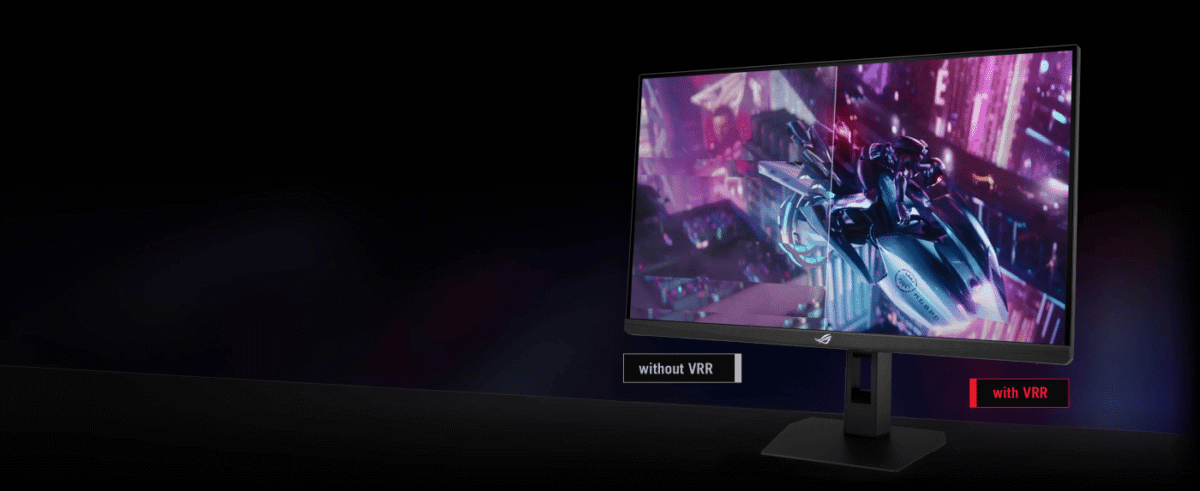
The display supports variable refresh rate with compatible devices. Image: ASUS
It also supports Adaptive-Sync, AMD FreeSync Premium and G-SYNC Compatible variable refresh rate. With compatible hardware and settings, that can help reduce screen tearing as frame rates change. ASUS’s Extreme Low Motion Blur Sync is another option, though the right setting will depend on what looks best to you.
ASUS lists a 1ms grey-to-grey response time and a 0.3ms minimum. Those are manufacturer figures measured under particular conditions, not a promise of 0.3ms input lag. If motion clarity is your main concern, independent testing is still worth checking.
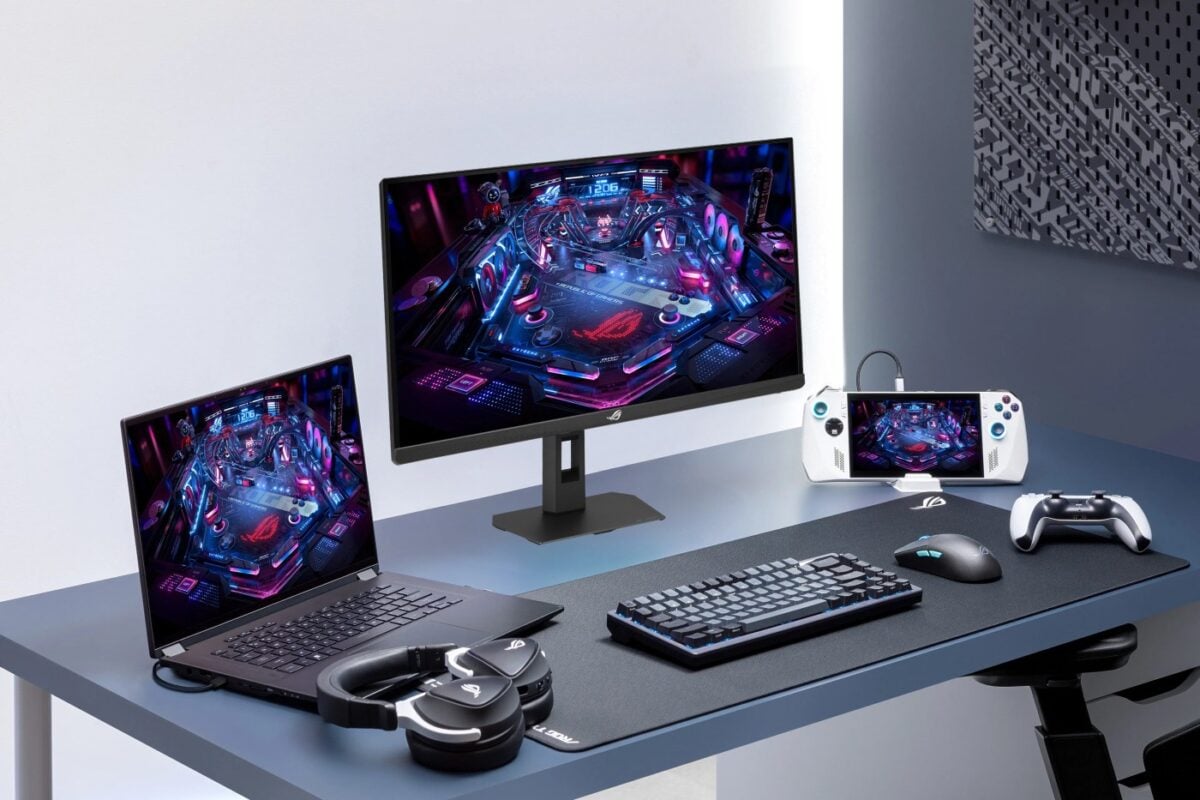
ASUS shows the monitor in a multi-device desk setup. Image: ASUS
USB-C is useful, but check its power limit
Connections include one DisplayPort 1.4 input, one HDMI 2.1 input and USB-C with DisplayPort Alt Mode. The USB-C port also supplies up to 15W according to ASUS’s specifications.
There is a detail I’d check carefully before buying: Amazon’s longer listing title mentions OLED care, 90W USB-C and a 0.03ms response time. Those conflict with ASUS’s specifications for the XG27ACMES, which identify a Fast IPS panel, 15W USB-C power delivery and a 0.3ms minimum. If one of those features is essential to you, confirm the exact model and its specifications with the retailer first.
The stand tilts, and the monitor supports a 100 × 100mm VESA mount if you would rather use a compatible arm. ASUS also lists DisplayHDR 400 certification. HDR support is welcome, but I wouldn’t expect it to deliver the same contrast as an OLED display.
For a larger alternative, we have also covered Samsung’s 32-inch Odyssey G5 G50F. It is a different monitor, so check its current price and availability separately.
Amazon’s $100 saving is calculated against its displayed list price. Before ordering, I’d confirm that the XG27ACMES is selected and that the current price and delivery terms still work for you.
Image credit: ASUS.
Note: Links to online stores in articles can be so-called affiliate links. If you buy through this link, MIXED receives a commission from the provider. For you the price does not change.
As an Amazon Associate we earn from qualifying purchases.

