
ASUS adds a tiny progress counter to make Ryzen RAM checks less unnerving
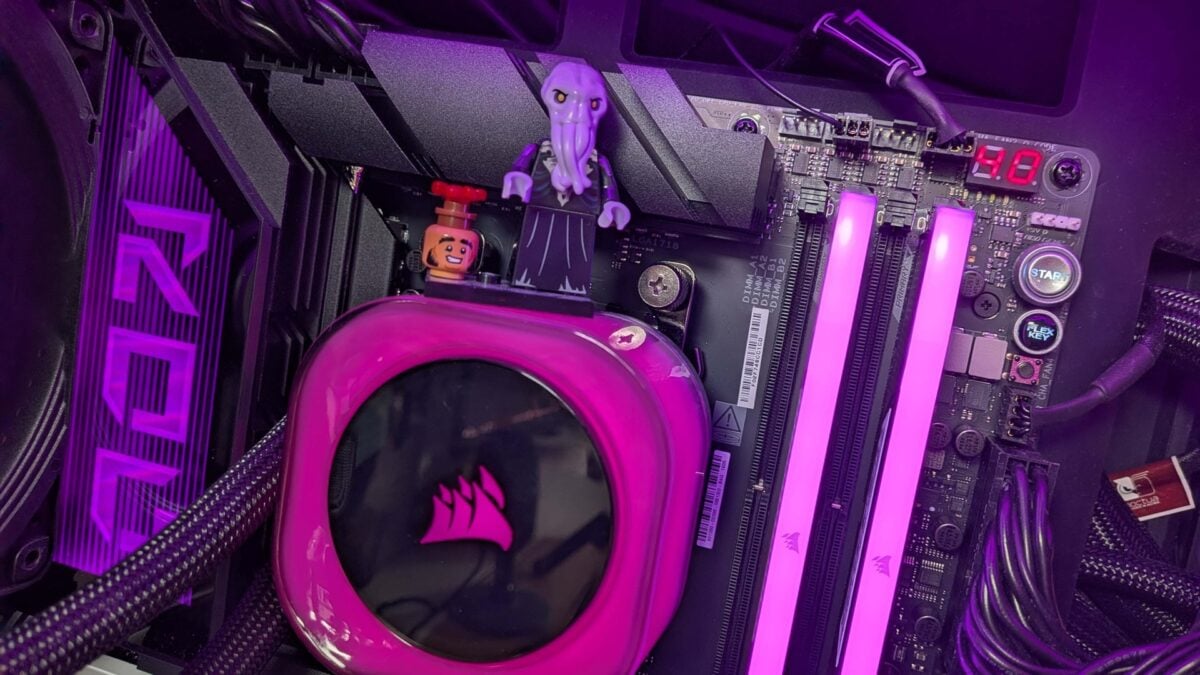
If your Ryzen PC has ever sat there with a black screen after a memory upgrade, you might know the awkward wait: the fans are spinning, but it is hard to tell whether the machine is working or something has gone wrong.
A new AMD firmware update aims to make that wait less confusing. On supported ASUS motherboards, a small diagnostic display on the board can count while DDR5 memory training is underway. ASUS has begun offering the update in beta BIOS releases for selected AM5 models.
The important word is count. This is a progress indication on the motherboard's Q-Code display, not a promise that your PC will finish booting in a set number of seconds.
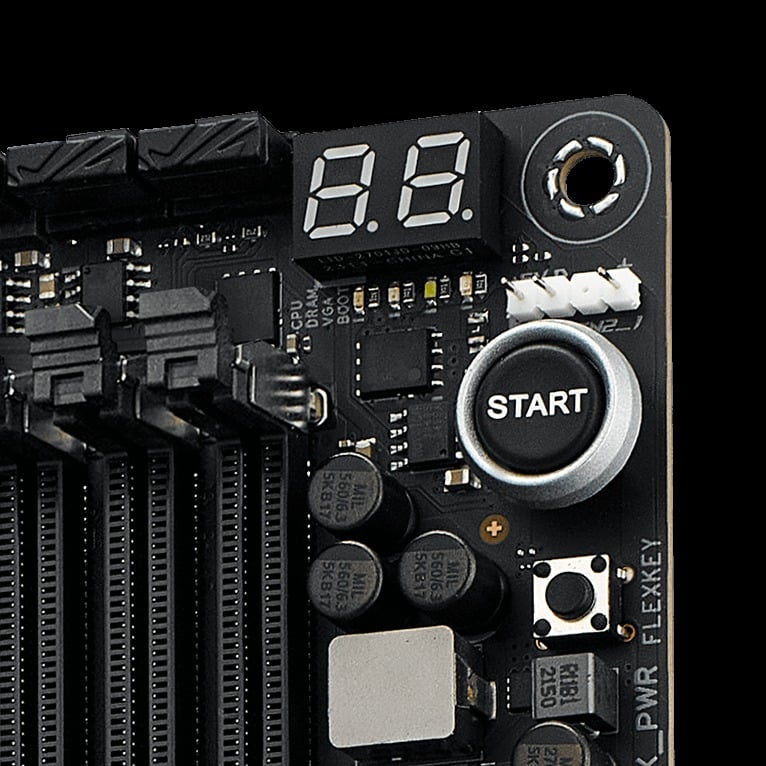
A Q-Code display can show diagnostic information directly on the motherboard. Image: ASUS
The new counter runs while the system trains its memory
According to ASUS, the sequence moves from 00 through 09 at roughly one-second intervals, then resets to 00 before the normal boot process continues. The change is part of AMD AGESA ComboAM5 PI 1.3.0.1f Patch A.
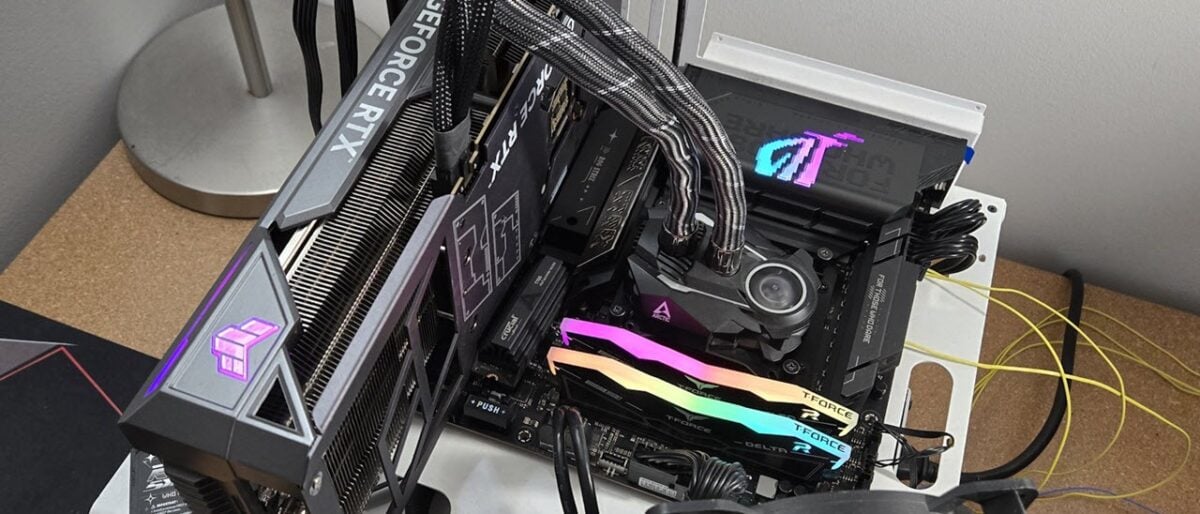
The ROG Strix X870E-E Gaming WiFi is among the boards on the ASUS beta list. Image: Tom's Hardware / Future
Memory training is the process the system uses to establish working settings for its RAM. Depending on the configuration, that can take longer than the counter's initial cycle. ASUS says high-density or dual-rank kits may need more time, and the processor's memory controller and applied settings matter too. Our earlier look at a 128GB DDR5 kit also explains why its rated speed depends on compatible hardware and BIOS settings.
So if you see the sequence on a supported system with this update, it is an indication of the intended training behaviour. It should not be treated as proof that every PC showing a particular code is healthy; a machine that never completes startup may still need troubleshooting.
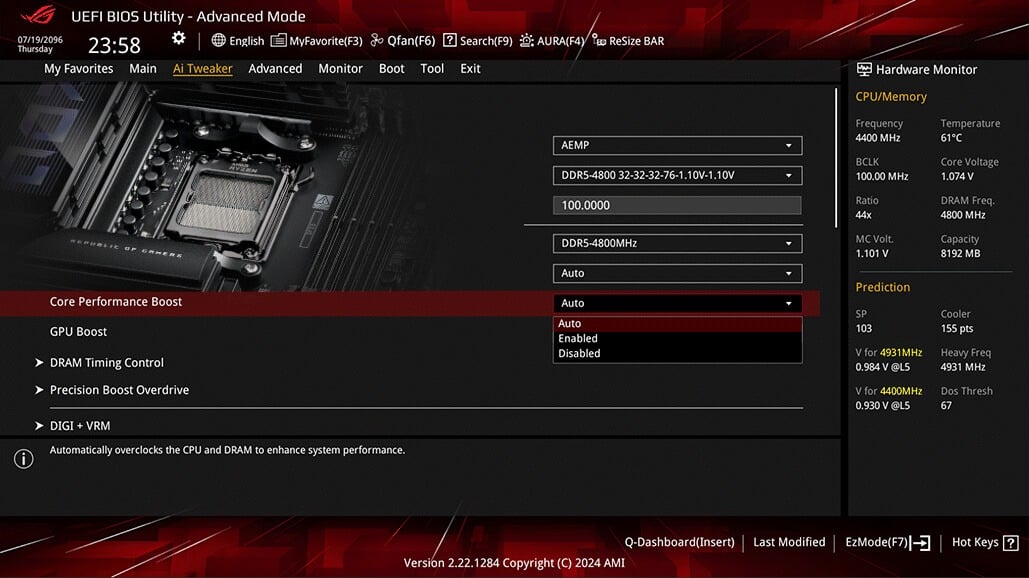
ASUS advises users to reconfigure and validate their settings after updating to the beta. Image: ASUS
ASUS is releasing the firmware as a beta for selected boards
ASUS lists firmware for a selection of X870, X870E and X670E boards. The list includes the ROG Strix X870E-E Gaming WiFi, but other models have different BIOS versions, so check the exact model and release notes instead of assuming any AM5 update will work.
These are test releases, which means I would be cautious about installing one on a system you depend on every day. ASUS also advises against loading saved CMO profiles from a different AGESA version. You should re-enter and validate your settings after the update.
If you are already using a compatible board, you do not need new RAM or a new motherboard to get the counter. For readers planning a separate build, Amazon lists the ASUS ROG Strix X870E-E Gaming WiFi as one option on ASUS's beta list. Check the exact product and firmware before ordering.
Image credit: Future / PC Gamer, ASUS and Tom's Hardware / Future. The images illustrate supported hardware and firmware settings; they do not show the new training sequence.
Note: Links to online stores in articles can be so-called affiliate links. If you buy through this link, MIXED receives a commission from the provider. For you the price does not change.
As an Amazon Associate we earn from qualifying purchases.

